kfconcept

K&F Concept Canada
K&F Concept Canada

Enjoy Your Selected Digital Life

Recently Viewed
  • Recently Viewed
  • Recently Viewed list is empty.

Compare (0) 0
  • Compare
  • You have not chosen any products to compare.

  • Compare
Currency: CAD
  • Currency

Log Into Your Account

Account

Order History

Wish List

Login

Forgotten Password?

or connect with

Register Account

Already have an Account?Log In

  • Shopping Cart
  • Your shopping cart is empty!

  • Register/Login to purchase, earn points
  • Favorite
  • Your wish list is empty.

  • Register/Login to like, earn points
  • Tripods
    • Carbon Fiber Tripods
    • Aluminum Tripods
    • Video Tripods
    • Monopods
    • Phone Tripods
    • Tripod Accessories
    • Mini Tripod
    • Action Camera Mounts
    • Studio Parts
      • Photography Fill Light
      • Soft Box
      • Reflectors
      • Ring Light
      • Camera Flash
      • Tripod Light Stands
    • Gimbal Stabilizers
  • Lens Filters
    • UV Filters
      • Nano-Xcel Series
        • MCUV - Nano-Xcel
        • Ultra-low Reflectivity MCUV Filters
        • MCUV Super Hard
        • Explosion-proof MCUV - Nano-Xcel
        • MCUV+Lens Cap+Cleaning Cloth
        • Super Hard&Ultra Low Reflection MCUV Filters - Nano-Xcel
        • Magnetic MCUV - Nano-Xcel
      • Nano-Dazzle Series
        • MCUV Filters - D Series
        • MCUV+Lens Cap+Cleaning Cloth
      • Nano-Klear Series
        • MCUV Filters
        • Ultra Thin Frame MCUV Filter
        • MCUV+Lens Cap
        • MCUV+Lens Cap+Cleaning Cloth
      • Nano-Xcel Pro Series
        • MCUV
    • CPL Filters
      • Nano-Xcel Series
        • True Color Ultra-low Reflectivity CPL - Nano-Xcel
      • Nano-Dazzle Series
        • CPL+Lens Cap+Cleaning Cloth - Nano-Dazzle
      • CPL - Nano-X Series
      • Nano-Klear Series
      • Nano-Xcel Pro Series
        • CPL - Nano-X Pro Series
      • CPL - Nano-K Series
      • CPL - Nano-D Series
      • CPL True Color - Nano-X Series
      • CPL+Lens Cap+Cleaning Cloth - Nano-K Series
      • Ultra-low Reflection CPL - Nano-X
      • Ultra-Thin CPL- Nano-K Series
      • CPL - Magnetic Series
        • Magnetic CPL + Apater Ring + Cap
    • Square Filter System
      • Basic System
        • Square ND Filter
          • ND4 Filters - Nano-Xcel Series
          • ND16 Filters - Nano-X
          • ND1000 Filters - Nano-X
          • ND2000 Filters - Nano-X
          • ND32000 Filters - Nano-X
          • Full Color ND8 Filters - Nano-X
          • Full Color ND64 Filters - Nano-X
        • Square GND Filter
        • Square Light Pollution Cut Filter
          • Light Pollution Cut Filter - Nano-X
        • Square Black Mist Filter
          • Black Mist 1 - Nano-X
          • Black Mist 1/2 - Nano-X
          • Black Mist 1/4 - Nano-Xcel Series
          • Black Mist 1/8 - Nano-X
        • Square Brackets & Accessories
          • Adapter Ring - Nano-X
        • 100mm Square Filter Kits
          • Square Filter - Nano-X
          • ND1000+Holder - Nano-X
          • ND1000+Soft GND8+Holder-Nano-X
          • Soft GND8+Holder - Nano-X
      • Professional System
        • Square PL Filter
        • Square ND Filter
          • Full Color ND8 Filters - Nano-X Pro
          • Full Color ND64 Filters - Nano-X Pro
          • Full Color ND1000 - Nano-X Pro
        • Square GND Filter
        • Black Mist 1/4 & CPL - Nano-X Pro
        • Light Pollution Cut Filter
          • Light Pollution Cut - Nano-X Pro
        • Square Brackets & Accessories
          • 100x100mm Square Filter Protect Frame - Nano-X Pro
          • 100x150mm Square Filter Protect Frame - Nano-X Pro
          • Adapter Ring - Nano-X Pro
        • Square Filter Kits
          • 100mm ND1000+Holder Kit - Nano-X Pro Series
          • 100mm ND1000+Soft GND8+Holder Kit - Nano-X Pro Series
          • 100mm ND8+ND64+ND1000+Holder Kit - Nano-X Pro Series
          • 100mm Holder Kit - Nano-X Pro Series
    • Neutral Density Filters
      • Neutral Density (Solid) Filters
        • Solid ND - Magnetic Series
        • ND8 (3 stops) - Nano-Xcel Series
        • ND64 (6 stops) - Nano-Xcel Series
        • ND1000 (10 stops) - Nano-Xcel Series
        • ND100000 (16.6 stops) - Nano-Xcel Series
        • ND1000000 (20 stops) - Nano-Xcel Series
        • ND100000 (16.6 stops) - Nano-Klear Series
        • ND1000000 (20 stops) - Nano-Klear Series
      • Unlimited Variable ND Filters
        • ND2-ND400 Filter w/ Cap - Nano-K
        • ND2-ND400 Filter Set - Nano-K
      • Variable Neutral Density
        • Nano-Xcel Series
          • ND2-ND32 - Nano-X Series
          • ND2-ND32 True Color - Nano-X Series
          • ND2-ND400 - Nano-X Series
          • ND8-ND128 - Nano-X Series
          • ND32-ND512 - Nano-Xcel
          • ND3-ND1000 - Nano-X Series
          • ND2-32 True Color Ultra-Low Reflection - Nano-Xcel
        • Nano-Dazzle Series
          • ND2-ND32 - Nano-Dazzle
          • ND2-ND400 - Nano-Dazzle
          • ND3-ND1000 - Nano-Dazzle
          • ND8-ND2000 - Nano-Dazzle
        • Nano-Klear Series
          • ND2-ND32 - Nano-Klear
          • ND2-ND400 - Nano-Klear
          • ND2-ND2000 - Nano-Klear
        • Nano-Xcel Pro Series
          • ND2-ND32 - Nano-Xcel Pro
        • Nano-B Series
          • ND2-ND400 - Nano-B
        • ND2-32&ND32-512 - Nano-X Series
      • Graduated Neutral Density
        • 100mm GND Filter
          • Soft GND8 Filters - Nano-Xcel Series
          • Hard GND8 Filters - Nano-Xcel Series
          • Reverse GND8 Filters - Nano-Xcel Series
          • Soft GND16 Filters - Nano-Xcel Series
          • Reverse GND16 Filters - Nano-Xcel Series
          • Soft GND8 Filters - Nano-Xcel Pro Series
          • Hard GND8 Filters - Nano-Xcel Pro Series
          • Reverse GND8 Filters - Nano-Xcel Pro Series
          • Soft GND16 Filters - Nano-Xcel Pro Series
          • Reverse GND16 Filters - Nano-Xcel Pro Series
        • Circular GND Filter
          • GND8 - Nano-Xcel Series
          • GND16 - Nano-Xcel Series
      • 2 in 1 Filters
        • ND4-ND64 & CPL - Nano-X Series
        • ND2-ND32 & CPL - Nano-X Pro
        • ND2-ND32 & CPL - Nano-X Series
        • ND2-32&CPL Filters - Nano K Series
        • ND2-ND32 & CPL - Nano-D Series
        • ND2-ND32&CPL True Color - Nano-X
    • Black Mist & Soft Focus Filters
      • Black Mist
        • Black Mist 1
          • Black Mist 1 - Nano-X Series
          • Black Mist 1 - Nano-K Series
        • Black Mist 1/2
          • Black Mist 1/2 - Nano-X Series
          • Black Mist 1/2 - Nano-K Series
        • Black Mist 1/4
          • Black Mist 1/4 - Nano-X Series
          • Black Mist 1/4 - Nano-D Series
          • Black Mist 1/4 + Cloth - Nano-K Series
          • Black Mist 1/4 - Nano-Xcel Pro Series
        • Black Mist 1/8
          • Black Mist 1/8 - Nano-X Series
          • Black Mist 1/8 + Cloth - Nano-K
          • Black Mist 1/8 - Nano-D
          • Black Mist 1/8 - Nano-Xcel Pro Series
        • Black Mist Kit
          • Black Mist 1/4 + 1/8
          • Black Mist 1/4 + 1/8 - Nano Klear Series
        • Black-Mist & VND
          • Black Mist 1/4 & ND2-32 Filters - Nano-Klear Series
          • Black Mist 1/4 & ND2-400 Filters - Nano-Xcel Series
          • Black Mist 1/4 & ND8-128 Filter
          • Black Mist 1/4 & ND2-32 Filter
          • Black Mist 1/8 & ND2-32 Filters - Nano-Klear Series
      • White Mist
        • White Mist 1/4 - Nano-Xcel Series
        • White Mist 1/4 - Nano-Klear Series
      • Cool Mist
        • Cool Mist 1/4 - Nano-Xcel
      • Vintage Soft
      • Combination Soft & Mist
    • Magnetic Lens Filters
      • MCUV Filters
        • Magnetic MCUV + Lens Cap
        • Magnetic MCUV - Nano-K Series
      • Polarizers
        • Magnetic CPL + Adapter Ring
        • Magnetic CPL+Adapter Ring - Nano-Klear Series
      • Black-Mist
        • Black Mist 1/8 - Nano-X Series
        • Black Mist 1/4 - Nano-X Series
        • Black Mist 1 - Nano-X Series
      • Unlimited Variable ND Filter
        • ND2-ND32 - Magnetic Series
        • ND8-ND128 - Magnetic Series
      • Neutral Density (Solid) Filter
        • Magnetic ND8 - Nano-X Serie
        • Magnetic ND64 - Nano-X Serie
        • Magnetic ND1000 - Nano-X Serie
      • Filter Kits
        • MCUV+CPL+ND1000 - Nano X Series
        • CPL+ND8+ND64+Adapter Ring+Lens Cap - Nano X Series
        • GND8+ND8+ND64+ND1000 - Nano X Series
        • CPL+VND2-32+Black Mist 1/4+Magnetic Ring+Lens Cap - Nano-Xcel Series
      • Accessories
        • Magnetic Adapter Ring
        • Magnetic Filter Ring
        • Magnetic Cap
    • Action Camera Filters
      • Action Camera Accessories
      • DJI Osmo Action 4 / Action 5 Pro
      • DJI Osmo Action 5 Pro
      • GOPRO Hero 9/10/11/12/13
      • Insta360 GO3
      • Insta360 GO3S
      • DJI Action 3
    • Filter Kit
      • Black Diffusion 1/4 + 1/8
      • Screw-In Filters
        • MCUV+CPL Filter - Nano K Series
        • MCUV+CPL+Lens Cap - Nano K Series
        • MCUV+CPL+Lens Cap - Nano-Xcel Series
        • MCUV+CPL+ND1000+Lens Cap - Nano-Dazzle Series
        • MCUV+CPL+ND4
        • ND1000+CPL
        • ND4+ND8+ND64+ND1000
        • MCUV+CPL
      • Magnetic Filters
      • Square Filters
    • Effects Filters
      • Shimmer Diffusion Filters
        • Shimmer Diffusion 1 - Nano-Xcel Series
        • Shimmer Diffusion 1 - Nano-Klear Series
      • Prism Filters
        • Central Prism Filters
          • Central Pentagonal Filters - Nano-Basic Series
          • Central Hexagonal Filters - Nano-Basic Series
        • Ordinary Prism Filters
          • Triangular Filtres - Nano-Basic Series
      • Streak Filters
        • Blue Streak Filter
        • Gold Streak Filters - Nano-Xcel Series
        • Colorful Streak Filters - Nano-B Series
        • Blue Streak Filters - Nano-Klear Series
      • Kaleidoscope Filters
        • Kaleidoscope Filters - Nano-Basic Series
        • Handheld Kaleidoscope Filters - Nano-Basic Series
      • Motion Blur Filters
        • Directional Motion Blur - Nano-Basic Series
        • Bidirectional Motion Blur - Nano-Basic Series
      • Centerfield Split Diopter Filters - Nano-Klear Series
      • Macro Filters (Close-up)
      • Star Filter
        • Star Filters 4-8 Points - Nano-K Series
        • Star Filter Kits 4+6+8 Points - Nano-K Series
    • Filter Accessories
      • Lens Hoods
      • Polarized Film
      • Rings Kits
        • Step Up Rings
        • Step Down Rings
      • Filter Holders & Frames
      • Filter Holder Adapter Rings
        • Filter Adapter Rings
      • Filter Pouches
        • 150mm Pouch for Nano-X Pro System
        • 100mm Pouch for Nano-X Pro System
        • 110x106mm Filter Pouch
        • 96x96mm Filter Pouch
        • Pocket Filter Pouch
      • Lens Caps
        • Caps for Magnetic Filters
        • Caps for Variable ND Filters
        • Anti-lost Lens Cap
          • 4 in 1
          • 5 in 1
          • 9 in 1
    • Handheld Camera Filters
      • DJI Osmo Pocket 4/3 Filters
      • DJI Osmo Pocket 3 Accessories
        • Charging Base
      • DJI Osmo Pocket 4 Accessories
    • Light Pollution Filters
      • Light Pollution Cut Filter - Circular
      • Light Pollution Cut Filter - Square
    • Phone Lens Filters
    • Drone Filters
      • DJI Air 2S
      • DJI Air 3S
      • DJI Avata2
      • DJI Mavic 3 Classic
      • DJI Mavic 3 Pro
      • DJI Mini
      • DJI Mini 4 Pro
      • DJI Mini 3 PRO
      • DJI Flip
      • DJI NEO
      • DJI Mavic 4 Pro
      • DJI Mini 5 Pro
      • DJI Air 3 Filters
    • Matte Box & Filter Systems
      • Neutral Density (Solid) Filters
        • ND4 - Nano-X Series
        • ND8 - Nano-X Series
        • ND16 - Nano-X Series
        • ND32 - Nano-X Series
        • ND64 - Nano-X Series
        • ND8+ND64 - Nano-X Series
      • UV Filters
      • Black Mist Filters
        • Black Mist 1/4 - Nano-X
        • Black Mist 1/8 - Nano-X Series
      • Blue Streak Filters
      • Kits
        • Matte Box - Nano-Xcel
        • Matte Box Pro - Nano-Xcel Series
        • Matte Box+ND8 Square Filter - Nano-Xcel
        • Matte Box+ND4+ND32 Square Filter - Nano-Xcel
        • Matte Box+Black Mist 1/4 Square Filter - Nano-Xcel
    • Brand-specific Filters
      • Fujifilm X100
      • Ricoh GR
  • Lens Adapters
    • Sony A Mount Body
    • Fujifilm X Mount Body
    • Fujifilm C (GFX) Mount Body
    • C-Mount Body
    • Leica M Mount Body
    • Micro Four Thirds (M43) Mount Body
    • Pentax K Mount Body
    • Pentax Q Mount Body
    • Samsung NX Mount Body
    • Nikon F Mount Body
    • Nikon 1 Mount Body
    • Nikon Z Mount Body
    • Canon EOS EF/EF-S Mount Body
    • Canon EOS M Mount Body
    • Canon RF Mount Body
    • Sony E Mount Body
    • L-Mount Alliance (Leica)
  • Camera Bags
    • Camera Backpacks
    • Camera Straps
    • Camera Cases
    • Camera Shoulder Bags
    • Backpack Accessories
  • Surveillance Camera
    • Battery Camera
    • WiFi Camera
    • Baby Monitor
    • Feeder Camera
    • Floodlight camera
    • Monitoring Detector
  • Camera
    • Digital Camera & Camcorders
    • Trail Camera
      • Wifi Trail Cameras
      • Non-Cellular Trail Cameras
      • Cellular Trail Cameras
      • Accessories
    • Camera Battery
      • insta360
      • Sony
      • Canon
      • Nikon
      • FUJIFILM
      • Gopro
      • Lumix
      • Osmo Action
      • V Mount Battery
      • Memory Card Case
    • Camera Lenses
    • Webcam
    • Fishing Camera
    • On-Dash Camera
    • time lapse camera
    • Memory Cards
    • Camera Accessories
      • Camera Body Caps & Lens Rear Caps
      • Camera Screen Protectors
        • Canon
        • Sony
        • Fujifilm
        • Nikon
        • Olympus
        • Ricoh
        • GoPro
        • DJI Osmo Pocket 3
      • Camera Hot Shoe Covers
      • Camera Viewfinder Eyecups
        • Nikon
        • Sony
        • Canon
      • Adjustment Iris
      • Ricoh GR Lens Caps
  • Endoscope
    • Digital Otoscope
    • Household Endoscope
    • Professional Endoscope
    • Portable Endoscope
  • Optics
    • Binoculars
    • Microscope
    • Monocular
    • Spotting Scope
    • Telescope
    • Night Vision Goggles
    • Rangefinder
  • More
    • Cleaning Kits
    • Digital Voice Recorders
    • Metal Detectors
    • Microphone
    • Motorcycle Bluetooth Headset
    • Remote Sensors
    • Drone Accessories
      • DJI Air 2S Accessories
      • DJI Air 3 Accessories
      • DJI Avata Accessories
      • DJI Drone Universal Accessories
      • DJI Mavic Mini 2/Mini 2 SE/Mini Accessories
      • DJI Mavic Mini 3 Accessories
      • DJI Mini 3 Pro Accessories
    • Language Translator Device
    • Smart Glasses
    • Solar Panels
    • Handheld Game Console
    • Lights
      • Video Fill Light
      • Live Ring Light
      • Outdoor Lighting
    • Camera Microphones
    • Headphones
    • Weather Station & Household Sensors
    • Smart Watch
    • Smart lock
    • Chicken Coop Door
    • Studio
  • Deals
    • Specials
    • Coupon
  • Home
  • Blog
  • How To Record Sound On Computer?

How To Record Sound On Computer?

K&f concept 2024-07-12 04:20:07 0 Comments

Recording sound on a computer is a fundamental skill that can be useful for a variety of purposes, from creating podcasts and music to capturing voice memos and conducting interviews. Whether you are a beginner or someone looking to refine your recording techniques, understanding the tools and methods available can significantly enhance the quality of your recordings. This article will guide you through the essential steps and considerations for recording sound on a computer, ensuring you achieve the best possible results.

Understanding Your Needs
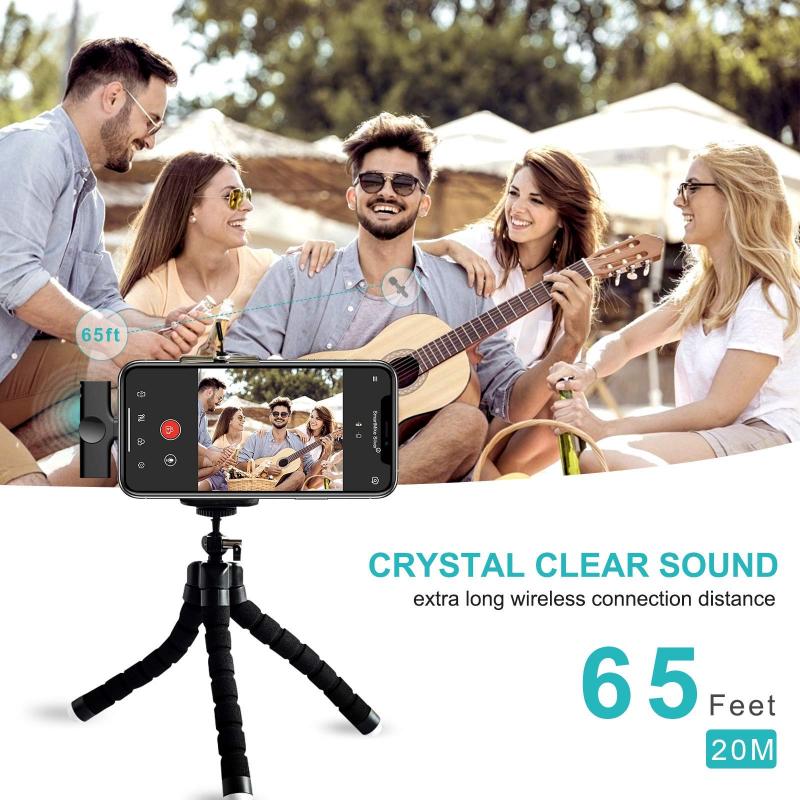
how to record sound on computer 1

Before diving into the technical aspects, it’s crucial to identify your specific needs. Are you recording a podcast, music, voiceovers, or just simple voice memos? Each of these applications may require different tools and techniques. For instance, recording music might necessitate more sophisticated equipment and software compared to recording a simple voice memo.

Basic Requirements
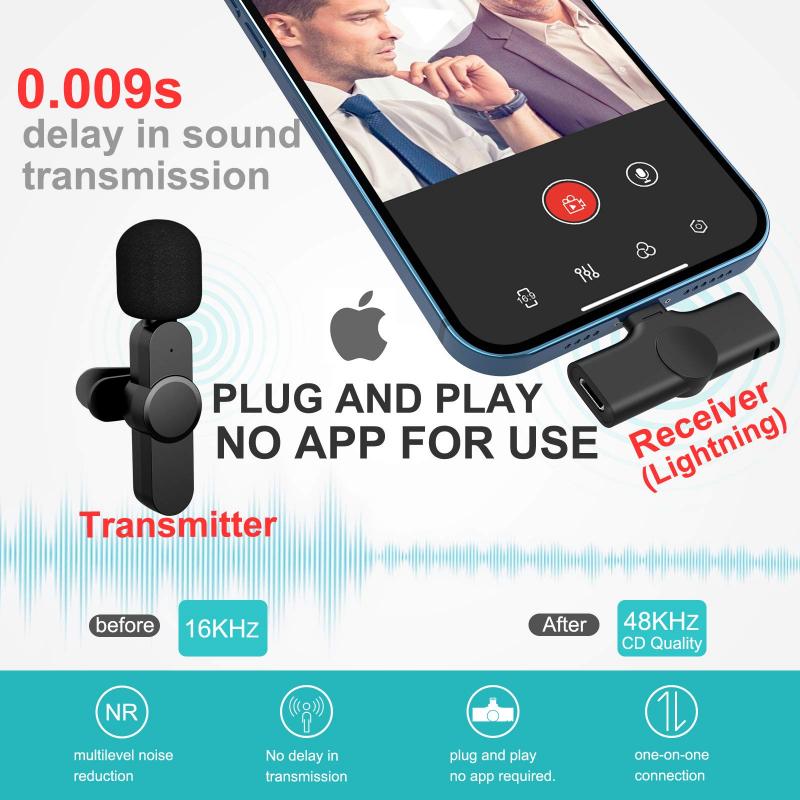
how to record sound on computer 2

Regardless of your specific needs, there are some basic requirements you will need to get started:

1. Microphone: The quality of your microphone can significantly impact the quality of your recordings. There are various types of microphones available, including USB microphones, condenser microphones, and dynamic microphones. USB microphones are generally easier to use and are suitable for most basic recording needs. Condenser microphones are more sensitive and are often used for studio recordings, while dynamic microphones are more durable and are typically used for live performances.

2. Computer: Ensure your computer has enough processing power and storage to handle audio recording and editing. Most modern computers should suffice, but if you plan on doing extensive editing or using multiple tracks, a more powerful machine may be necessary.

3. Audio Interface: An audio interface is a device that connects your microphone to your computer, converting the analog signal from the microphone into a digital signal that your computer can process. While USB microphones have built-in audio interfaces, using a separate audio interface can provide better sound quality and more flexibility.

4. Recording Software: There are numerous software options available for recording sound on a computer, ranging from free programs like Audacity to professional-grade software like Adobe Audition and Pro Tools. The choice of software will depend on your specific needs and budget.

Setting Up Your Equipment
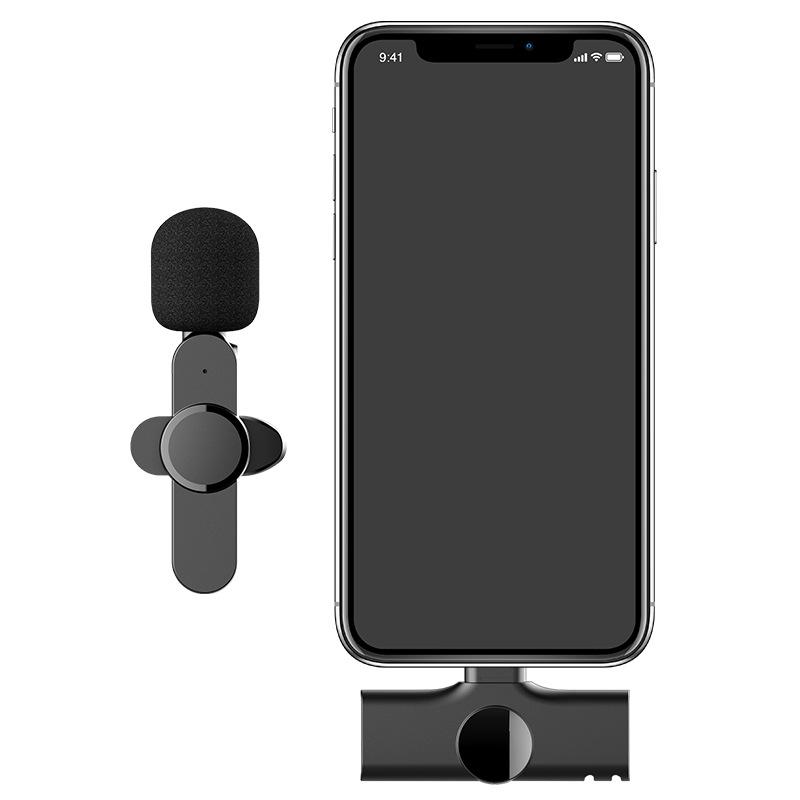
how to record sound on computer 3

Once you have gathered the necessary equipment, the next step is to set it up correctly. Here’s a step-by-step guide:

1. Connect Your Microphone: If you are using a USB microphone, simply plug it into an available USB port on your computer. If you are using a microphone with an XLR connection, connect it to your audio interface, and then connect the audio interface to your computer via USB or Thunderbolt.

2. Install Drivers and Software: If your microphone or audio interface requires drivers, make sure to install them. Also, install your chosen recording software and any additional plugins or tools you might need.

3. Configure Your Software: Open your recording software and configure the audio settings. Select your microphone or audio interface as the input device. Adjust the sample rate and bit depth according to your needs; a common setting is 44.1 kHz sample rate and 16-bit depth for general use, but higher settings may be preferable for professional recordings.

4. Set Up Your Recording Environment: Choose a quiet location to minimize background noise. Consider using soundproofing materials or a pop filter to further reduce unwanted noise and improve sound quality.

Recording Techniques
how to record sound on computer 4

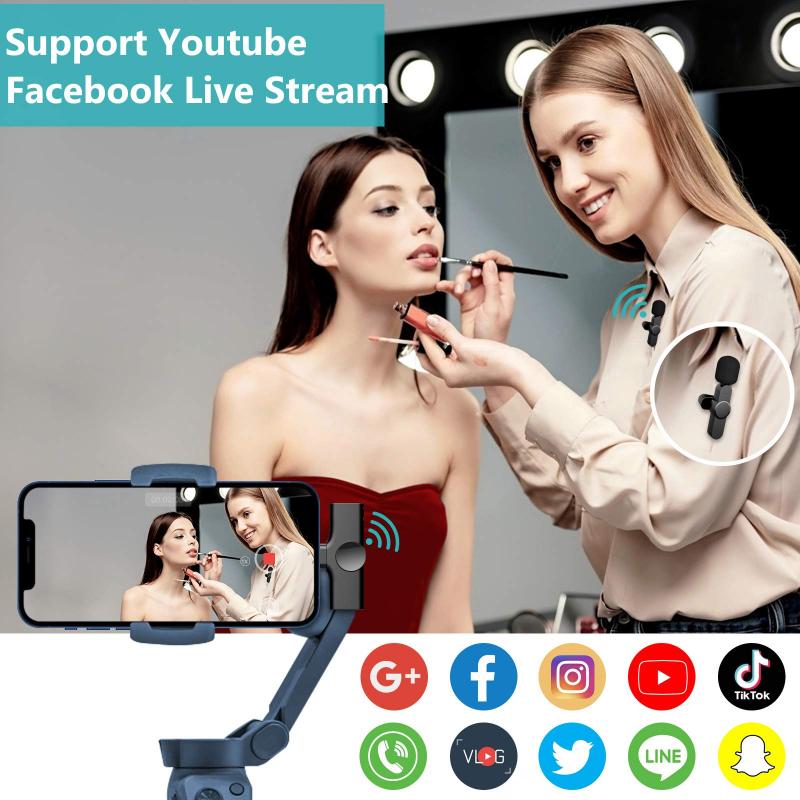
Now that your equipment is set up, it’s time to start recording. Here are some techniques to help you achieve the best results:

1. Microphone Placement: The placement of your microphone can greatly affect the sound quality. For voice recordings, position the microphone about 6-12 inches away from your mouth. For musical instruments, experiment with different placements to find the best sound. For example, placing a microphone close to the sound hole of an acoustic guitar will capture a different sound than placing it further away.

2. Monitor Levels: Keep an eye on the input levels in your recording software. Aim for levels that peak around -6 dB to -3 dB to avoid clipping and distortion. If the levels are too low, you may need to increase the gain on your microphone or audio interface.

3. Use Headphones: Wearing headphones while recording can help you monitor the sound in real-time and catch any issues early. Closed-back headphones are preferable as they provide better isolation and prevent sound from leaking into the microphone.

4. Record Multiple Takes: Don’t be afraid to record multiple takes. This gives you more options during the editing process and increases the chances of capturing the perfect performance.

Editing and Enhancing Your Recording

Once you have recorded your audio, the next step is to edit and enhance it. Here are some basic editing techniques:

1. Trimming and Cutting: Remove any unwanted sections, such as long pauses, mistakes, or background noise. Most recording software allows you to easily cut and trim audio clips.

2. Noise Reduction: Use noise reduction tools to minimize background noise. Be careful not to overdo it, as excessive noise reduction can affect the quality of the audio.

3. Equalization (EQ): Adjust the EQ settings to enhance the clarity and balance of your recording. For example, you can boost the high frequencies to add brightness or reduce the low frequencies to remove muddiness.

4. Compression: Apply compression to even out the volume levels and add punch to your recording. Compression reduces the dynamic range, making the quieter parts louder and the louder parts quieter.

5. Reverb and Effects: Add reverb or other effects to give your recording a sense of space and depth. Use these effects sparingly to avoid making the audio sound unnatural.

Exporting and Sharing Your Recording

After editing and enhancing your recording, the final step is to export and share it. Here’s how:

1. Choose the Right Format: Select an appropriate file format for your needs. Common formats include WAV for high-quality audio and MP3 for smaller file sizes and easier sharing.

2. Set the Export Settings: Configure the export settings in your recording software. Choose the sample rate, bit depth, and any other settings based on your requirements.

3. Save and Backup: Save your project and create backups to prevent data loss. Consider saving multiple versions of your project at different stages of the editing process.

4. Share Your Recording: Share your recording through various platforms, such as email, cloud storage, or social media. If you are publishing a podcast or music, consider using dedicated platforms like SoundCloud, Spotify, or Apple Podcasts.

Recording sound on a computer is a versatile and valuable skill that can be applied to various creative and professional projects. By understanding your needs, setting up the right equipment, using effective recording techniques, and mastering the editing process, you can achieve high-quality recordings that meet your goals. Whether you are a beginner or an experienced audio enthusiast, the tips and techniques outlined in this article will help you capture and produce excellent sound recordings on your computer.
Leave your comment
Cancel reply
Note: HTML is not translated!
Related Products
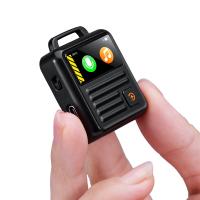
Mini AI Voice Recorder Record Call Voice-to-Text Summarize Magnetic 64G
10
C$137.30 C$109.84
Instant Translator Device Cross-App Video Call Translate Record Transcribe 150 Languages Kentfaith
12
C$168.69 C$134.95
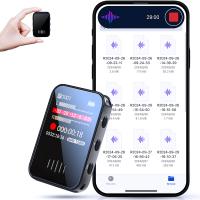
128G Mini Digital Voice Recorder with Color Screen Bluetooth Call Record 3072kbps Kentfaith
15
C$143.64 C$114.91
Mini Sound Recorder 128GB 1600H Recording Capacity with 1.4" Screen, Voice Activated Mode Kentfaith
C$138.60 C$110.88
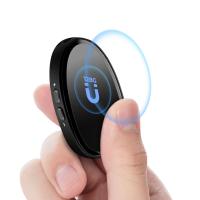
Mini Voice Recorder, Sound-activated & Magnetic, 128 GB 1600H Capacity with AI Noise Cancelling Kentfaith
C$131.68 C$105.34
67mm Clip-on CPL Phone Camera Lens Filter Kit Applicable to All Mobile Phone Models
C$35.31 C$21.99
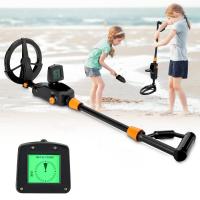
Children's entry-level metal detector, high sensitivity, with LCD display and sound indication, suitable for beginners
21
C$73.15 C$58.52
67mm Clip-on ND2-32 Phone Camera Lens Filter Kit Applicable to All Mobile Phone Models
C$66.03 C$45.75
67mm Clip-on Black Mist 1/4 Phone Camera Lens Filter Kit Applicable to All Mobile Phone Models
C$53.74 C$44.79
67mm Clip-on Black Mist 1/8 Phone Camera Lens Filter Kit Applicable to All Mobile Phone Models
C$53.74 C$44.79
Guess you like products
82mm ND2-ND400 Variable Filter (1-9 Stop) Nano-Dazzle Series - 24 Layers of Nano-coating, K&F Concept
C$79.99
82mm Gold Streak Effect Lens Filter (2mm) Anamorphic Optical Glass Light Flare Effect Filter for Camera Lens Nano-Xcel Series
C$82.93 C$69.99
64GB Digital Voice Recorder 4000 Hrs Voice Activated, 3072kbps DSP Noise Reduction for Meeting Interview Class, Kentfaith
C$136.98 C$109.58
96*96mm Filter Pouch, 3-Pocket Filter Case,  Maximum Size to Fit Circular Filter 62mm (Including 62mm)
96*96mm Filter Pouch, 3-Pocket Filter Case, Maximum Size to Fit Circular Filter 62mm (Including 62mm)
C$39.99
72mm MCUV Lens Protection Filter with Filter Cap Cleaning Cloth Optical Glass Ultra Slim 28 Multi-Layer Coatings Nano-Xcel Series
C$69.99 C$49.99
52mm True Color Ultra-Low Reflectivity CPL Filter Polarizer Lens Filter Circular Polarizing for Camera Lenses with 28 Multi-Coated Nano-Xcel Series
C$110.99 C$73.99
58mm Magnetic CPL Filter Circular Polarizer Lens Filter Optical Glass Ultra Slim with 18 Multi-Layer Coatings Nano-Klear Series
C$32.24 C$29.99
46mm Fader ND2-ND32 (1-5 Stop) Variable ND Lens Filter Neutral Density Filter for Camera Lens NO X Spot Nanotec Ultra-Slim Weather-Sealed
C$61.42 C$42.99
Related Articles
How Do You Record Sound On Your Computer?
How To Record The Computer Screen With Sound?
How To Record Sound On Pc?
How To Record Audio On My Computer?
How To Record Audio Clips On Computer?
How To Screen Record Sound On Facetime?
How To Record Audio On Your Computer Screen?
How To Record Sound?
How To Get Sound On Screen Record Facetime?
How Long Does It Take To Charge Earbuds?
Guess you like articles
How To Keep Snow Off Of Solar Panels?
How To Find Lost Wired Headphones?
How To Get Water Out Of Phone Speakers?
How Do I Use A Micro Sd Card?
How Can We Move Apps To Sd Card?
Kentfaith Black Friday 2025 Deals
How To Switch Bluetooth Headphones Between Devices?
How To Pair Earphones?
How To Use Sd Card Reader?
How Do You Wear Wireless Earbuds?
Related categories
variable ND2 to ND400 filter real time language translator device Solid Neutral Density Filters GoPro Screen Protector Battery Powered WiFi Security Camera Outdoor ND64 Filter UV protection camera lens filter DJI Mini 3 Pro Accessories circular graduated neutral density filter square nd filter system
Related searches
Clip On Cpl Filter Clip On Nd Filter 77mm Filter On 82mm Lens Led Ring Light Clip On Nikon Lens On Micro Four Thirds Contax 645 Lenses On Fuji Gfx Can You Put Nikon Lens On Canon A Mount Lens On E Mount Camera Yashica To Canon M42 To Gfx
Blog Category
  • News & Reviews
Search Article
Latest from the Blog
Camera Lens Filter Buying Guide (For Reference Only)
Which Tripod Is Best For Photography?
What Is The Best Wireless Outdoor Camera?
How To Display Wireless Cctv Camera On Tv?
What Is The Best Usb Sd Card Reader?
What Is The Best Keyless Entry Door Lock?
What Is The Best Instant Camera For A 6 Year Old?
What Is The Best Thermal Imaging Monocular?
What Is The Best Solar-powered Security Camera?
What Is The Best Floodlight Security Camera?
What Is The Best Small Compact Camera?
What Is The Best Bird Feeder For Large Birds?
What Is The Best Solar-powered Outdoor Camera?
What Is The Best Tripod For A Phone Camera?
What Portable Solar Panel Is Best?
Which App Is Best For Secret Voice Recording?
Kentfaith Black Friday 2025 Deals
What Is The Best Camera Bag?
What Is a Black Mist Filter?
How To Install Front Door Security Camera?
Powered By K&F Concept © 2026