How To Charge True Wireless Earbuds?
How to Charge True Wireless Earbuds Correctly: A Comprehensive Guide
True wireless earbuds have become a very popular accessory among consumers, offering the ultimate combination of convenience, portability, and functionality. However, one crucial aspect of using true wireless earbuds is understanding how to charge them properly. Proper charging not only ensures that your earbuds are always ready to use but also extends their lifespan and ensures optimal performance over time.
In this article, we delve into everything you need to know about charging your true wireless earbuds. This guide will discuss the step-by-step charging process, address common concerns, and provide tips for maintaining your earbuds' battery health.
Understanding the Basics of Charging True Wireless Earbuds
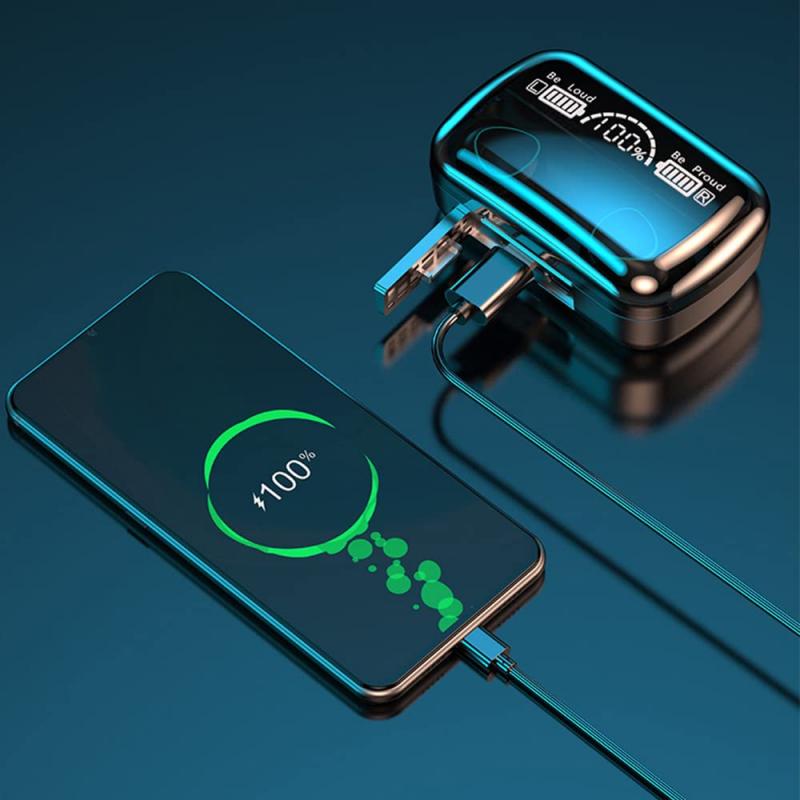
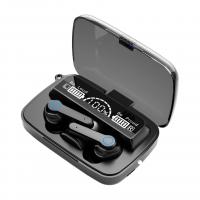
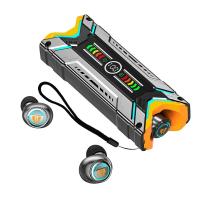
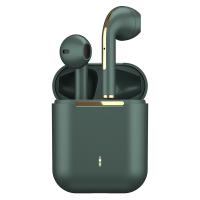
True wireless earbuds generally come with a charging case that stores and charges the earbuds. The charging case itself contains a built-in battery, so it can store power and recharge the earbuds on the go. To grasp the fundamentals of charging, it’s important to understand the two components involved:
1. The Earbuds: Each earbud comes equipped with a small rechargeable battery.
2. The Charging Case: The case acts as both a protective storage unit and a portable charging station with its own built-in battery.
Both components need to be charged periodically. The charging case transfers power to the earbuds when they are docked inside, while the case itself can be recharged by plugging it into a power source.
Step-by-Step Guide to Charging Your True Wireless Earbuds

To ensure proper usage and convenience, follow this detailed charging guide:
1. Check the Charging Compatibility
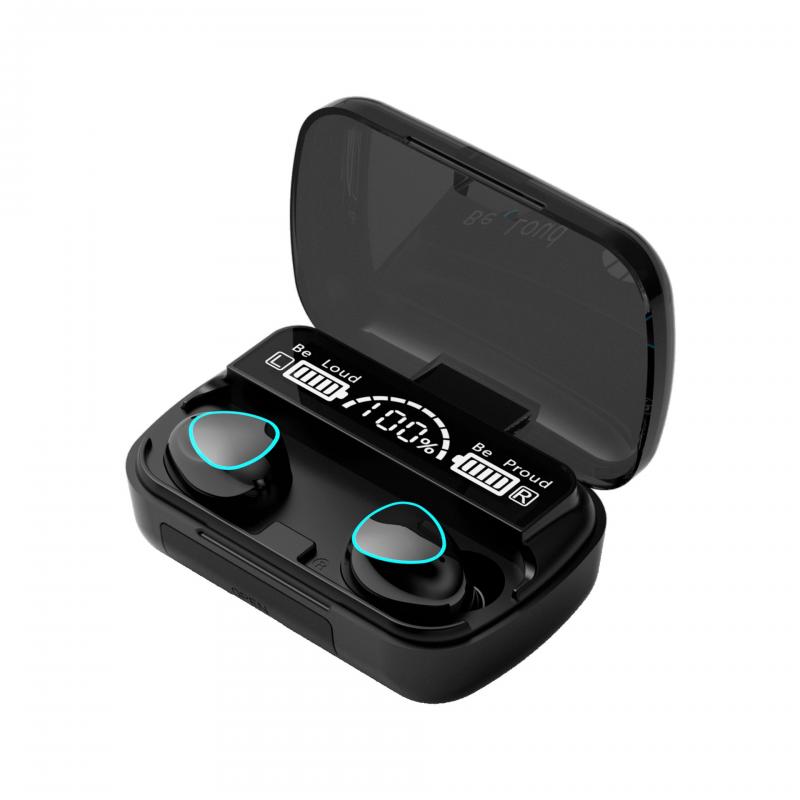
Every brand and model of true wireless earbuds comes with specific charging requirements. Most charging cases use USB-C or Micro-USB cables, while higher-end or newer models might support wireless charging. Always use the charger provided with your earbuds or one approved by the manufacturer to avoid potential damage.
2. Charge the Case First
Before charging the earbuds, make sure the charging case has sufficient power:
- Plug the case into a power source using the original charging cable.
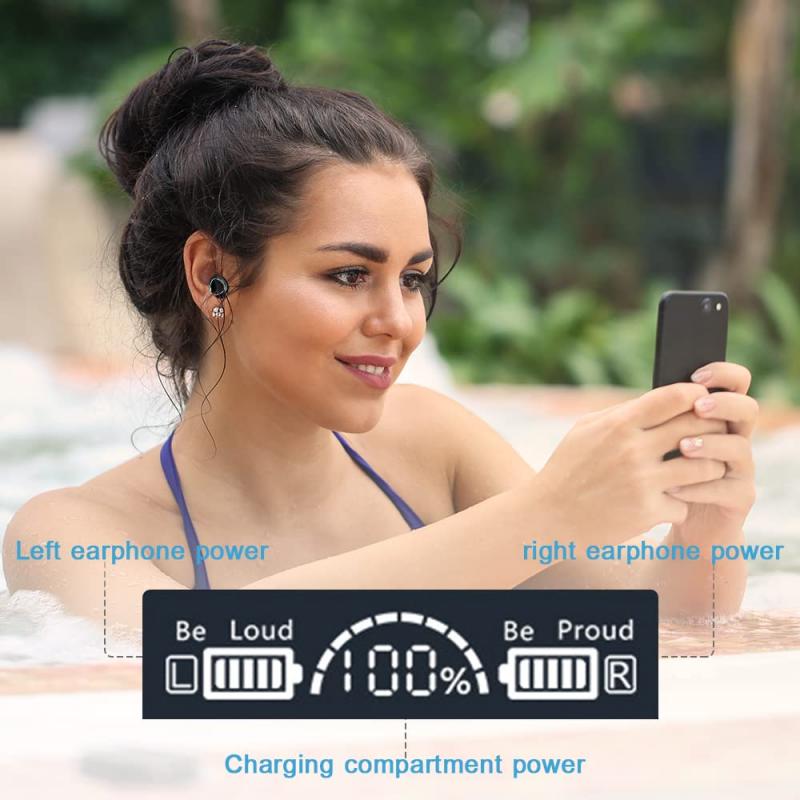
- Check for indicators like LED lights or battery symbols on the case. Modern charging cases often blink or change color to signal charging progress and completion.
- Allow the charging case to fully charge. This process may take 1–2 hours, depending on the case's capacity.
3. Properly Dock the Earbuds in the Case
- Open the charging case and place each earbud in its designated slot. Most cases are magnetized to ensure the earbuds fit correctly.
- Check that the earbuds are securely connected with the charging pins. Misalignment may result in no charging or slow charging.
- Observe the LED indicators on the earbuds or case; these usually light up to signify that charging has commenced.
4. Wait for the Earbuds to Reach Full Charge
- Charging the earbuds typically takes about 1–2 hours, depending on their individual battery levels.
- Avoid frequent interruptions in the charging process, as consistent charging is better for battery longevity.
5. Practice Regular Charging Habits
- Recharge the earbuds and the case regularly. Don’t wait until they are completely out of battery, as this can strain the battery in the long term.
- Do not leave the earbuds or the case plugged in for excessively long periods after reaching full charge. Overcharging can be detrimental to battery health, especially if the case does not include overcharge-protection technology.
Maintaining Battery Health: Dos and Don’ts
The way you handle charging will determine the overall longevity of your true wireless earbuds. Here are some essential tips:
Dos
Use Certified Chargers: Stick to chargers and power cables that are either from the original manufacturer or certified third-party suppliers.
Charge Regularly: Charge the earbuds and case before they hit 0% to prevent deep discharge, which can degrade battery capacity.
Keep the Case Clean: Regularly inspect and clean the charging contacts inside the case, as dirt and debris can obstruct the charging process.
Store in Case When Not in Use: Always place the earbuds back into the case when not in use to keep them safely stored and ready to recharge.
Don’ts
Avoid Extreme Temperatures: Do not charge or store the earbuds in hot or cold environments. High temperatures can damage the lithium-ion batteries, while low temperatures can reduce charging efficiency.
Avoid Using Damaged Cables: Do not attempt to charge with torn or damaged cables, as this can create safety hazards or harm your earbuds’ circuitry.
Don’t Overcharge: Unnecessary charging for prolonged periods can build heat and reduce the lifespan of the battery.
Common Charging Problems and Troubleshooting Tips
At times, you might encounter issues when charging your earbuds. Here’s how to handle some of the most common problems:
1. Earbuds Not Charging Properly
Solution: Check whether the earbuds are securely docked in the case. Clean the charging contacts on both the case and the earbuds using a dry, soft cloth.
2. Charging Case Not Charging
Solution: Try a different charging cable or power adapter. Make sure the charging port is free from dust or lint that may block the connection.
3. Short Battery Life After Charging
Solution: This could be due to battery wear. If your earbuds and case are old and heavily used, the battery may have degraded. Consider consulting the manufacturer for a battery replacement or troubleshooting support.
4. Uneven Charging Between Earbuds
Solution: Uneven charging is often due to one earbud not making proper contact with the charging pins. Reinsert the earbuds and ensure a snug fit.
Wireless Charging for True Wireless Earbuds
Many newer earbuds offer wireless charging for added convenience. To charge wirelessly:
- Place the charging case on a compatible Qi-certified wireless charging pad.
- Ensure the case is aligned correctly on the pad for efficient charging.
- Look for the LED indicator on the case to confirm the process is underway.
Wireless charging eliminates the need for cables, but it is generally slower than wired charging. Choose the method that best suits your needs.
Prolonging the Life of Your Earbuds’ Battery
Modern true wireless earbuds are fitted with lithium-ion batteries that degrade over time. However, with good habits, you can maximize their lifespan:
- Follow the charging instructions specified by the manufacturer.
- Avoid fully draining or overcharging the batteries.
- Use proper storage and protect the earbuds from harsh environmental conditions.
If you notice significant degradation in battery life, it may be time to consult your earbuds' manufacturer about battery replacement options or upgrade to a new pair.
By understanding the correct methods of charging your true wireless earbuds, you can enjoy a seamless, hassle-free experience. Charging your earbuds and their case properly, maintaining good battery health, and troubleshooting common issues will ensure that your earbuds stay in peak condition for as long as possible. With these tips, you're well on your way to making the most out of your true wireless earbuds—listening to your favorite content without interruptions.
Investing a little effort in proper charging and maintenance will go a long way in protecting your investment and ensuring that your earbuds provide you with years of reliable service.