How To Fix Earbuds?
Earbuds have become an essential accessory for many people, providing a convenient way to listen to music, podcasts, and other audio content on the go. However, like any electronic device, they can sometimes encounter issues that affect their performance. Whether it's a problem with sound quality, connectivity, or physical damage, knowing how to troubleshoot and fix your earbuds can save you time and money. In this article, we'll explore common issues with earbuds and provide step-by-step solutions to help you get them working again.
Common Earbud Issues and Solutions
1. No Sound or One Earbud Not Working
One of the most common problems with earbuds is when one or both earbuds stop producing sound. This issue can be caused by several factors, including a faulty connection, damaged wiring, or software issues.
Solution:
- Check the Connection: Ensure that your earbuds are properly connected to your device. If you're using wired earbuds, make sure the plug is fully inserted into the headphone jack. For wireless earbuds, ensure they are paired correctly with your device.
- Inspect the Wiring: Examine the earbud wires for any visible damage or fraying. If you find any, you may need to replace the earbuds or attempt a DIY repair using electrical tape or heat shrink tubing.
- Clean the Earbuds: Dirt and debris can accumulate in the earbud speakers and headphone jack, causing sound issues. Use a soft brush or a can of compressed air to clean the earbud openings and the headphone jack.
- Reset the Earbuds: For wireless earbuds, try resetting them to their factory settings. This process varies by brand, so refer to the user manual for specific instructions.
2. Poor Sound Quality
If your earbuds are producing distorted or muffled sound, it can be frustrating and diminish your listening experience. Poor sound quality can result from dirty earbuds, incorrect audio settings, or hardware issues.
Solution:
- Clean the Earbuds: As mentioned earlier, dirt and debris can affect sound quality. Regularly clean your earbuds to ensure optimal performance.
- Check Audio Settings: Ensure that your device's audio settings are correctly configured. Adjust the equalizer settings to see if it improves the sound quality.
- Test with Another Device: Connect your earbuds to a different device to determine if the issue is with the earbuds or the original device. If the sound quality improves, the problem may be with your device's audio output.
- Update Firmware: For wireless earbuds, check if there are any firmware updates available. Updating the firmware can sometimes resolve sound quality issues.
3. Connectivity Issues
Wireless earbuds rely on Bluetooth technology to connect to your device. Connectivity issues can arise due to interference, outdated software, or pairing problems.
Solution:
- Restart Devices: Turn off both your earbuds and the device you're trying to connect to, then turn them back on. This simple step can often resolve connectivity issues.
- Forget and Re-Pair: Go to your device's Bluetooth settings, forget the earbuds, and then re-pair them. This can help establish a fresh connection.
- Check for Interference: Ensure that there are no other Bluetooth devices or electronic devices causing interference. Move away from potential sources of interference and try reconnecting.
- Update Software: Ensure that both your device and earbuds have the latest software updates installed. Manufacturers often release updates to improve connectivity and performance.
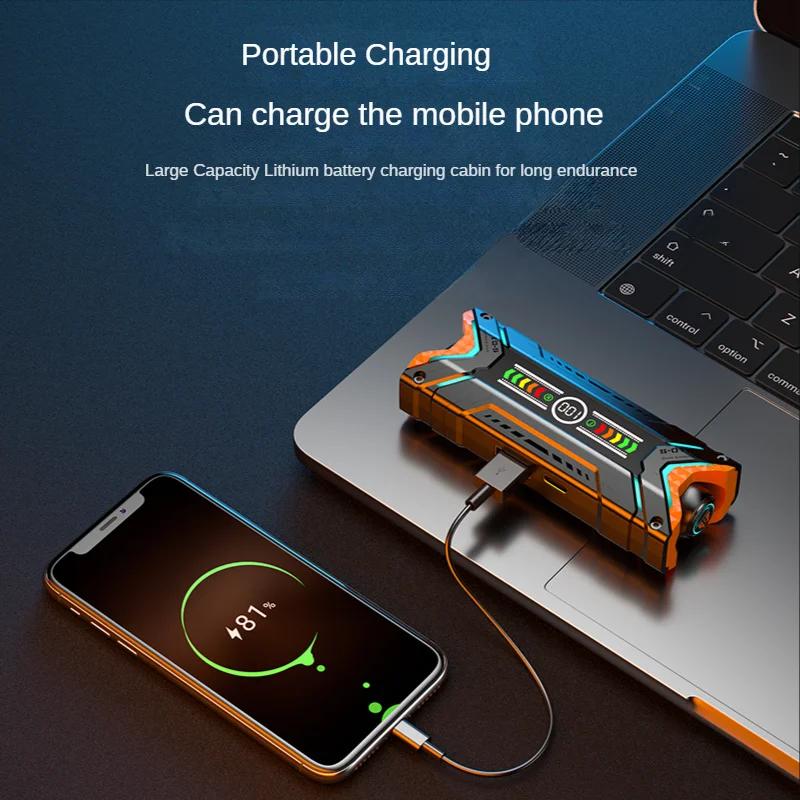
4. Earbuds Not Charging
If your wireless earbuds are not charging, it can be due to issues with the charging case, charging cable, or the earbuds themselves.
Solution:
- Check the Charging Cable and Port: Inspect the charging cable and port for any visible damage or debris. Try using a different cable or charging adapter to see if the issue persists.
- Clean the Charging Contacts: Dirt and debris can accumulate on the charging contacts of the earbuds and the charging case. Use a soft cloth or a cotton swab dipped in rubbing alcohol to clean the contacts.
- Reset the Charging Case: Some charging cases have a reset button. Refer to the user manual for instructions on how to reset the charging case.
- Replace the Battery: If your earbuds are still not charging, the battery may be dead. Contact the manufacturer for a replacement battery or consider purchasing new earbuds.
5. Physical Damage
Physical damage to earbuds, such as broken wires, damaged ear tips, or cracked casings, can affect their performance and comfort.
Solution:
- Repair or Replace Wires: If the wires are damaged, you can attempt a DIY repair using electrical tape or heat shrink tubing. For more severe damage, consider taking the earbuds to a professional repair service.
- Replace Ear Tips: If the ear tips are damaged or worn out, replace them with new ones. Many earbuds come with multiple sizes of ear tips, so you can find the best fit for your ears.
- Protective Cases: To prevent future physical damage, invest in a protective case for your earbuds. This can help protect them from drops, impacts, and other potential hazards.
Preventive Measures
To extend the lifespan of your earbuds and minimize the risk of issues, consider the following preventive measures:
- Store Properly: When not in use, store your earbuds in a protective case to prevent damage and tangling.
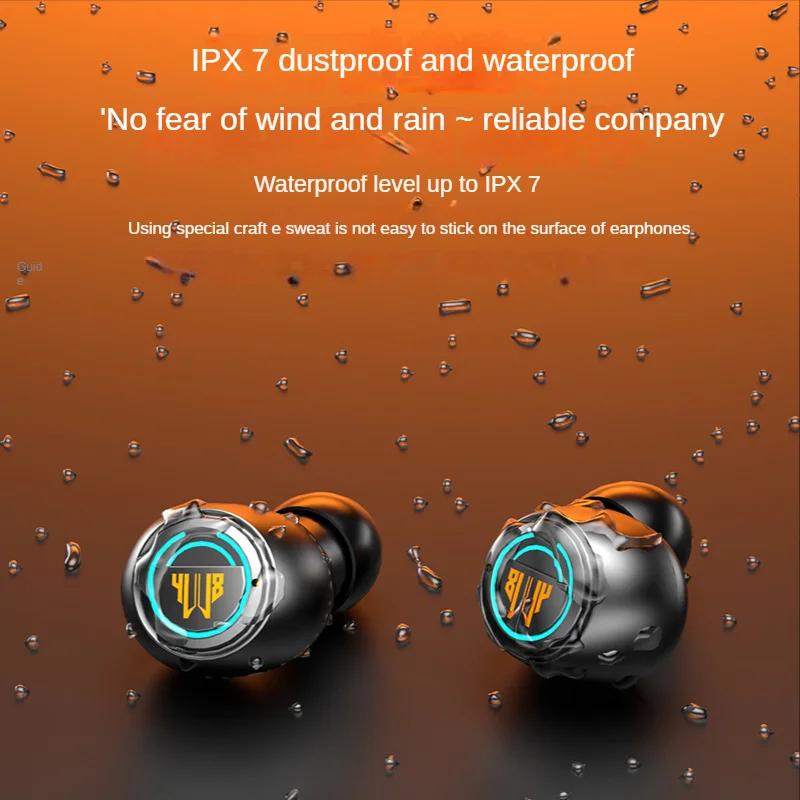
- Avoid Moisture: Keep your earbuds away from water and excessive moisture. If your earbuds are not water-resistant, avoid using them in the rain or during intense workouts.
- Handle with Care: Be gentle when handling your earbuds, especially when plugging and unplugging them from your device. Avoid pulling on the wires or yanking the earbuds out of your ears.
- Regular Cleaning: Clean your earbuds regularly to prevent dirt and debris from affecting their performance. Use a soft brush or a can of compressed air to clean the earbud openings and the headphone jack.
Earbuds are a convenient and essential accessory for many people, but they can encounter various issues that affect their performance. By understanding common earbud problems and knowing how to troubleshoot and fix them, you can save time and money while ensuring a better listening experience. Whether it's a problem with sound quality, connectivity, or physical damage, the solutions provided in this article can help you get your earbuds working again. Additionally, taking preventive measures can extend the lifespan of your earbuds and minimize the risk of future issues. With proper care and maintenance, you can enjoy your favorite audio content without interruption.