How Big Sd Card For Camera?
When purchasing an SD card for your camera, deciding on the size of the card is a critical factor. It directly impacts how much media—photos and videos—you can store before needing to offload. Balancing capacity, speed, and budget while accounting for your shooting habits is key to making the right choice. Let’s break down how to determine the optimal SD card size for your camera and your specific needs.
Understanding Storage Capacity and File Sizes
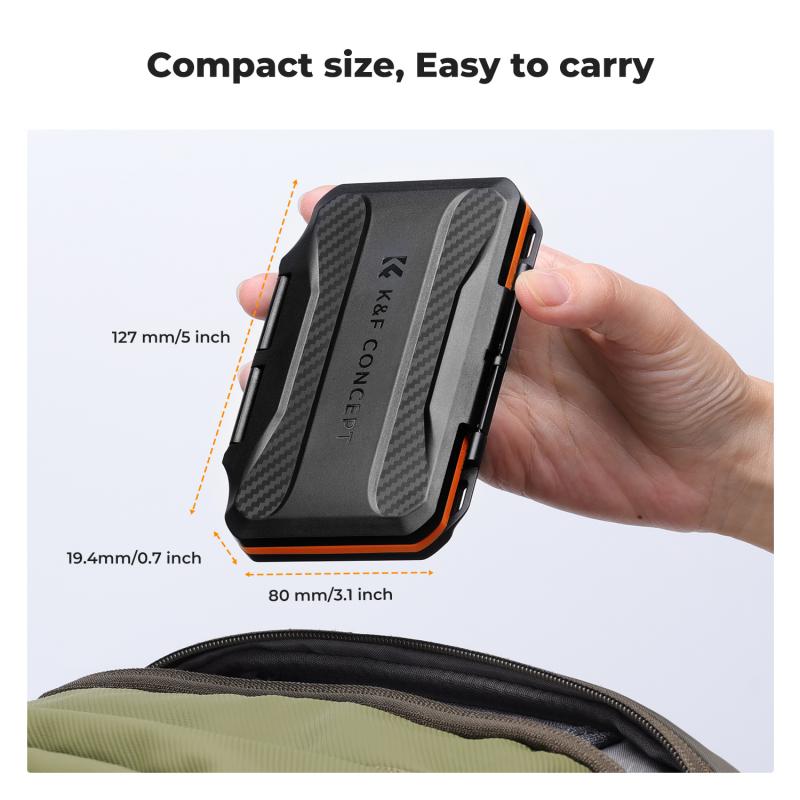
The capacity of SD cards is measured in gigabytes (GB), ranging anywhere from 16 GB to 1 terabyte (TB) in consumer-grade options. To make an informed decision, you need to consider the types of files your camera produces: JPEG, RAW, or video.
JPEG Photos: JPEG files are compressed and, therefore, much smaller than RAW files. A typical JPEG photo might take up 2–10 MB, depending on the camera resolution and compression settings. For example, a 24-megapixel camera may produce an average photo size of around 8 MB per JPEG image.
RAW Photos: RAW files offer uncompressed or minimally compressed image data, and their size is substantially larger, usually between 20–50 MB per image, depending on your camera's resolution. Certain advanced cameras may even produce files larger than 50 MB.
Video Files: Video recordings take up far more space due to the frame rate, resolution, and codec. Shooting in Full HD (1080p) might consume around 100 MB per minute, while 4K footage can use up to 500 MB per minute or more based on the bitrate.
When deciding on an SD card size, you'll need to project how many photos and videos you want to store before transferring the data. With this in mind, larger storage capacities might seem like a no-brainer—but there are other considerations.
Factors to Consider When Choosing SD Card Size
1. Photography vs. Videography
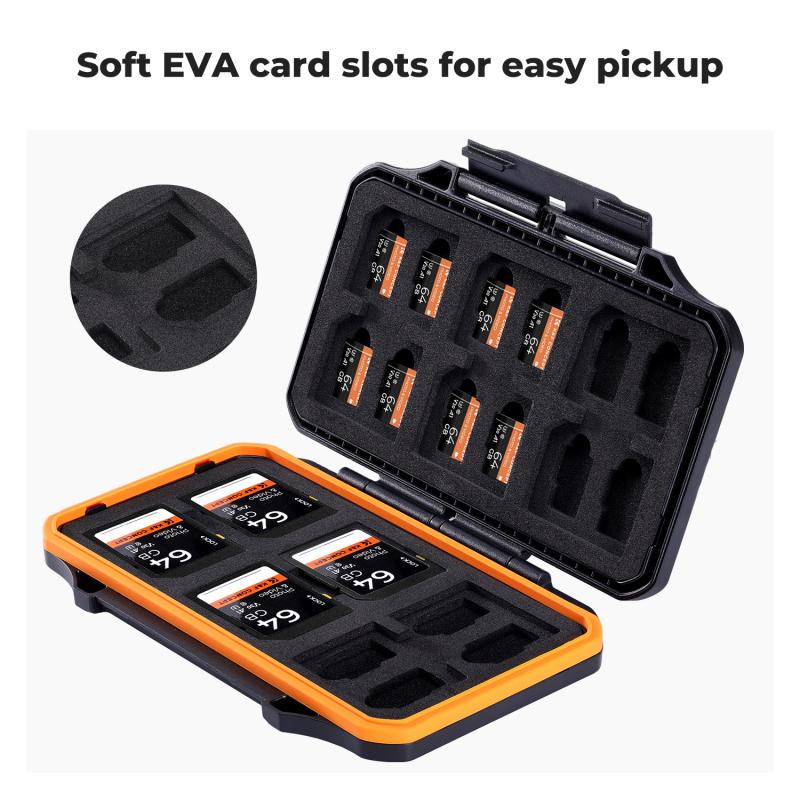
Think about what you’ll primarily use your camera for. If you’re a photographer shooting JPEGs, a smaller card like 32 GB may suffice for casual shoots. However, RAW photographers or those capturing extended bursts for fast-paced events will likely need a minimum of 64 GB or more.
Videographers filming in 4K or with high-bit-rate footage may benefit from cards with 128 GB or greater capacity to avoid frequent interruptions or card swaps.
2. Shooting Scenarios and Frequency
Do you shoot occasionally, or are you using your camera for extended projects such as weddings, sports, or wildlife photography? If you consistently find yourself away from a computer for long periods or need to shoot uninterrupted, larger cards (128 GB, 256 GB, or even 512 GB) are worth it.
For travel photographers, the ability to store an entire trip's worth of photos on a handful of SD cards without worrying about backups can be invaluable.
3. Backup and Redundancy
One of the most overlooked factors is redundancy and risk management. Packing one massive 256 GB SD card may look attractive, but losing that card or experiencing corruption can result in losing all your data at once. Many photographers prefer to split their workload across multiple smaller-capacity cards (like two 64 GB cards) to mitigate risk.
If your camera supports dual card slots, you can use both for redundancy (e.g., writing the same data to two cards) or expand capacity by writing different files to separate cards.
4. Resolution and Camera Specs
Modern cameras with high megapixel counts produce larger file sizes. If you shoot with a 45-megapixel camera like the Canon EOS R5 or Nikon Z9, your images will consume significantly more space than those shot with a 20-megapixel camera. Additionally, cameras offering 4K, 6K, or 8K video will require larger storage cards than cameras limited to Full HD resolution. Download your camera's manual or check online to assess how big the files you generate will be.
Recommended SD Card Sizes by Use Case
Here’s a breakdown of common SD card sizes and their typical applications:
16 GB: Adequate for casual photographers taking a few JPEGs. Not recommended for RAW shooting or video recording since it has very limited capacity.
32 GB: Great for everyday photography with occasional burst shooting. Suitable for photographers capturing JPEG images, but it may fill up too quickly for RAW users or videographers.
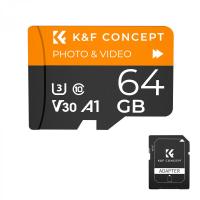
64 GB: The most popular "sweet spot" for many enthusiasts and even professionals. It offers a good balance of affordability and storage for those taking a combination of JPEGs and RAW images. It also allows for moderate video recording in Full HD or occasional 4K clips.
128 GB: Ideal for professional photographers who shoot in RAW or capture high-resolution images continuously. Perfect for videographers shooting in 4K over an extended period or for uninterrupted travel photography.
256 GB and Above: Ideal for heavy-duty users like wedding photographers, wildlife shooters, or filmmakers who deal with massive amounts of footage or photos. Large sizes reduce the hassle of swapping cards but come with a higher price tag.
Other Essential Considerations Beyond Size
Selecting the right SD card isn’t only about capacity. Here are additional factors to consider:
1. Card Speed
The speed of an SD card determines how quickly your camera can write files to it and how fast you can transfer those files to your computer. Pay attention to:
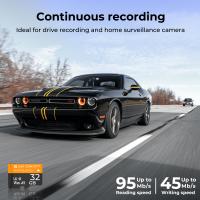
Write Speed: Critical for burst photography or high-resolution video recording. Cards with higher write speeds help prevent your camera's buffer from filling up prematurely.
Read Speed: Important for rapid file transfer to your computer.
Look for UHS-I or UHS-II cards, with UHS-II offering considerably faster speeds. Some of the fastest SD cards provide sequential write speeds of 300 MB/s or more.
2. Class Ratings
SD cards come with speed classifications:
Class 10: Minimum write speed of 10 MB/s – good for Full HD video.
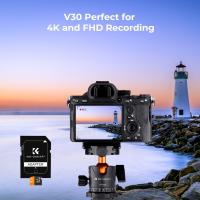
U3/V30: Minimum write speed of 30 MB/s – suitable for 4K video.
High-end cameras might demand U3, V60, or V90 cards for optimal performance.
3. File Systems
Camera memory cards are formatted with different file systems based on their capacity:
- Cards up to 32 GB use FAT32.
- Cards larger than 32 GB use exFAT.
Ensure your camera supports exFAT if you’re opting for cards above 32 GB.
4. Durability
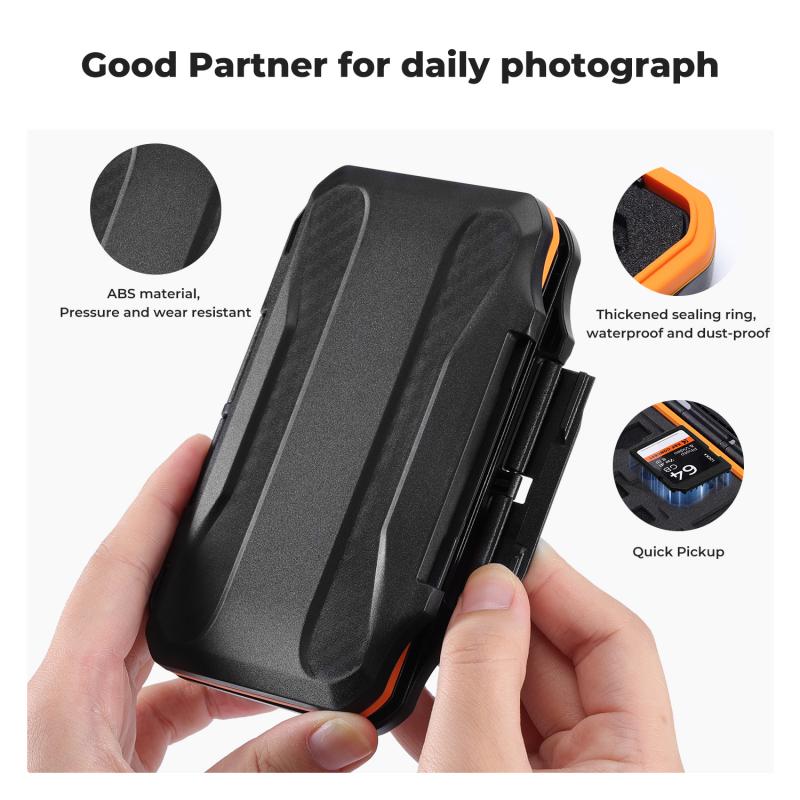
Not all SD cards are created equal in terms of physical resilience. Look for options that are water-, shock-, and temperature-resistant if you’re shooting in challenging environments.
Practical Tips to Maximize Storage Space
Even the largest SD cards can run out of room if not managed properly. Here are ways to maximize your storage:
1. Delete Unnecessary Files: Periodically review photos in-camera and delete duplicates or obvious mistakes.
2. Organize Workflow: Offload files to an external hard drive or cloud storage regularly.
3. Compress Video Settings: Use lower resolutions or bitrates for non-critical footage.
4. Carry Multiple Cards: Always have extra cards on hand to ensure you won’t run out during a shoot.
Conclusion: Find the Right Balance
The size of the SD card you need for your camera ultimately depends on what and how you shoot. A casual photographer might get by with a single 32 GB card, while a professional filming in 4K or capturing RAW bursts may need a combination of cards ranging from 128 GB to 512 GB. Avoid the extremes—don't settle for too little space and risk interruptions, but also don't over-invest in a card so large that you compromise backups or lose efficiency.
By considering file sizes, shooting habits, and your camera’s technical requirements, you’ll be well-prepared to choose an SD card that matches your needs and enhances your overall photography or videography experience. Once you have the right card, you’ll spend less time worrying about storage and more time creating the content you love.





![4K digital camera for photography and video [autofocus and stabilisation] 48 MP video blog camera with SD card, 3](https://img.kentfaith.com/cache/catalog/products/us/GW41.0065/GW41.0065-1-200x200.jpg "4K digital camera for photography and video [autofocus and stabilisation] 48 MP video blog camera with SD card, 3")