How To Install Security Cameras Around Your House?
Installing security cameras around your house is a straightforward yet important task that enhances your home security and provides peace of mind. Whether you're concerned about theft, monitoring activity around your property, or simply keeping an eye on loved ones, security cameras are a valuable tool. This article will guide you through the essential steps and considerations for installing security cameras effectively.
Why Install Security Cameras?
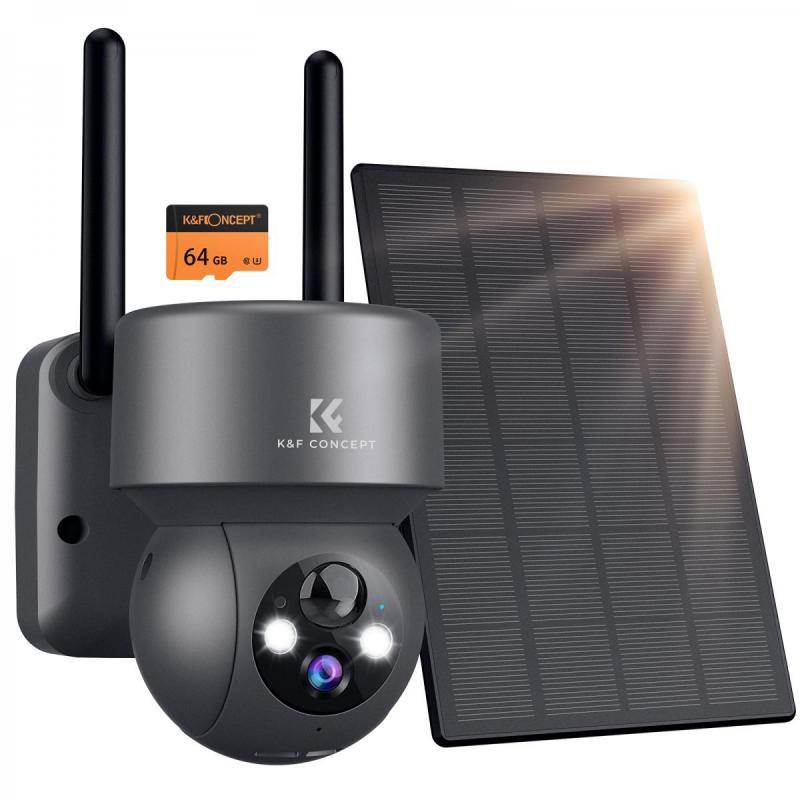
Before diving into the installation process, it’s beneficial to understand the purpose of security cameras and how they can resolve common home security concerns. Security cameras serve as a deterrent, reduce insurance costs, and ensure evidence in case of an incident. With technological advancement, they have become affordable and accessible, offering features like remote monitoring, night vision, motion detection, and cloud storage integration.
Step 1: Choosing the Right Type of Security Camera
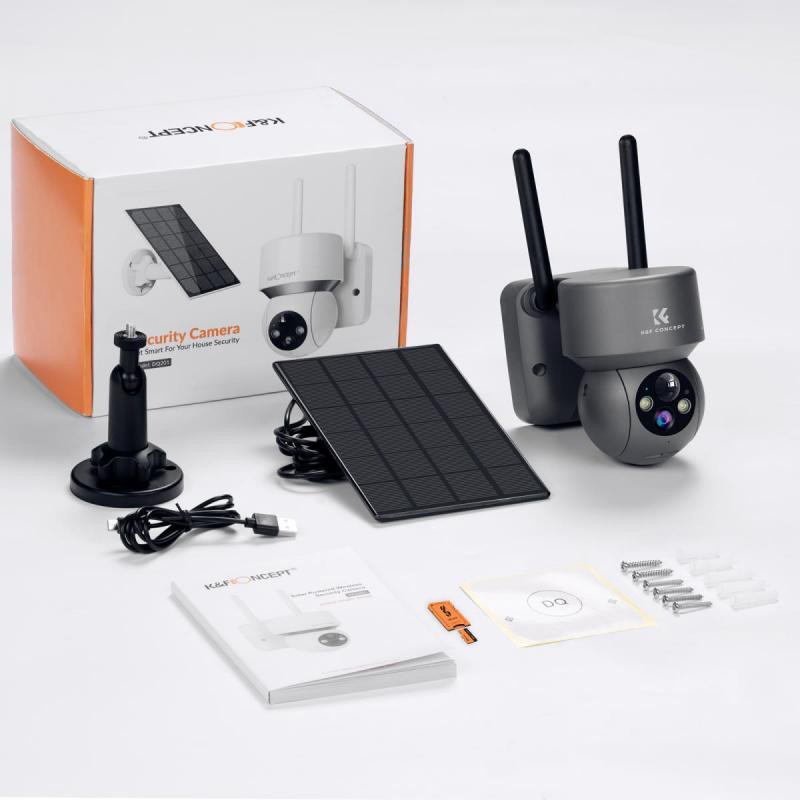
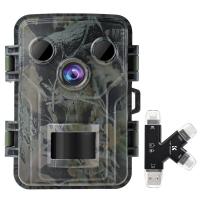
Security cameras come in various types, and selecting the appropriate one for your home setup is crucial:
1. Wired cameras
Wired cameras provide a stable connection and constant power supply, but their installation often requires running cables through walls or ceilings. They are ideal for long-term use and larger properties.
2. Wireless cameras
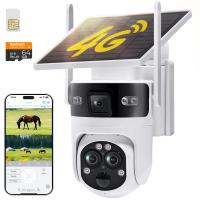
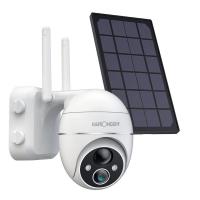
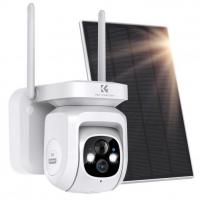
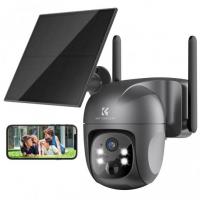
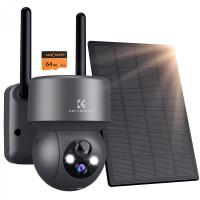
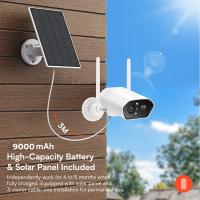
Wireless cameras are easy to install and offer flexibility in placement since they connect via Wi-Fi. They're best for smaller areas and temporary setups, but they rely on batteries or external power and bandwidth.
3. Indoor vs. Outdoor cameras
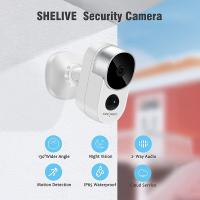
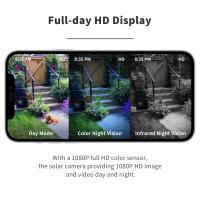
Outdoor cameras are designed to withstand weather elements and should have features like waterproof casing and night vision. Indoor cameras don’t require the same durability features.
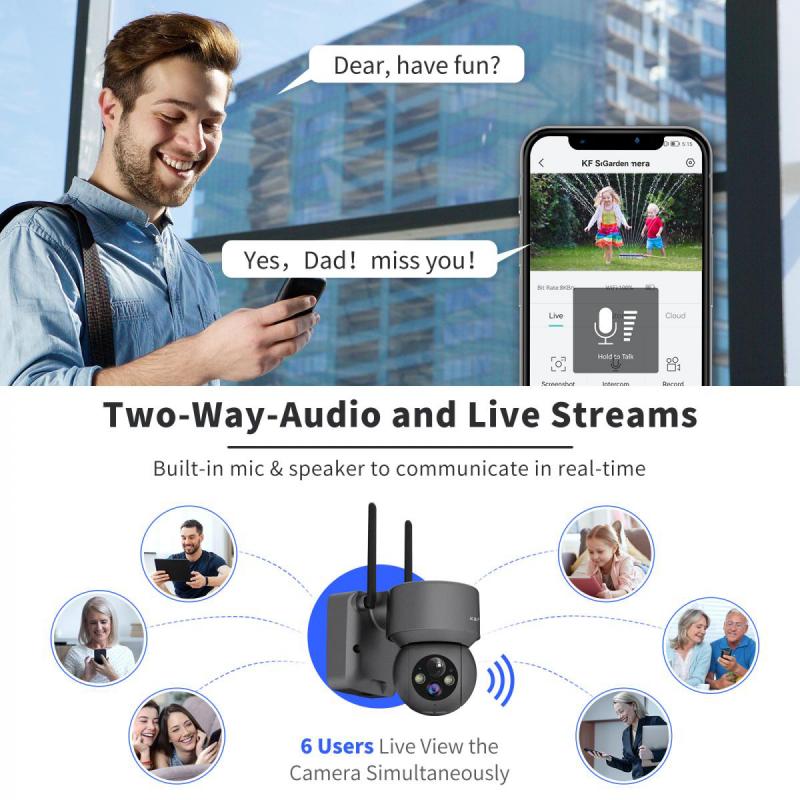
4. Smart cameras
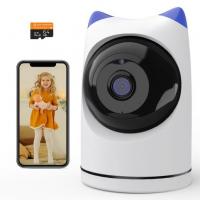
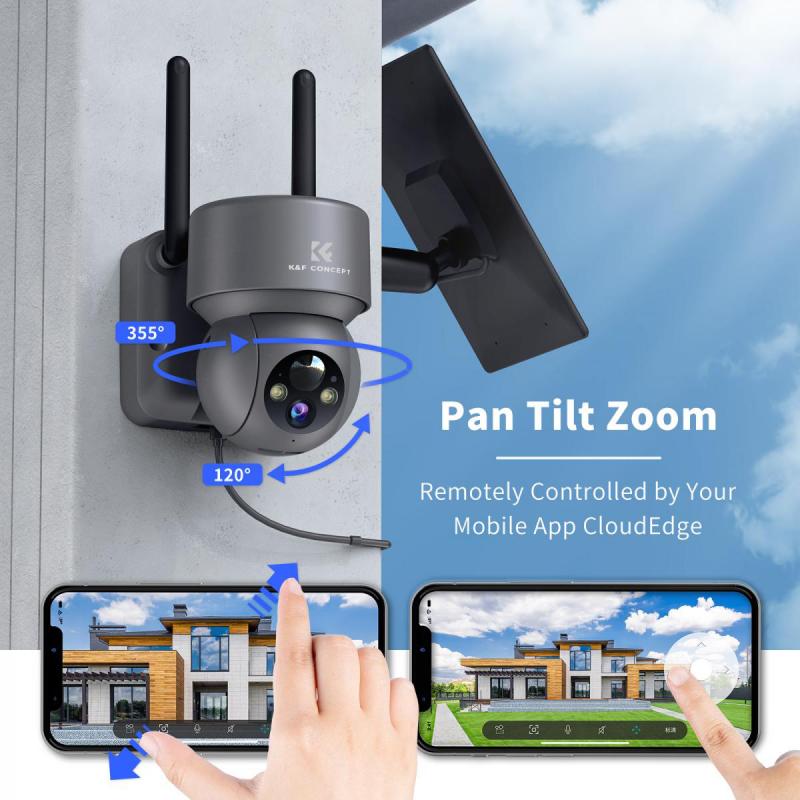
Cameras with built-in smart technology can connect to your smartphone or smart home system. These cameras allow you to monitor your premises remotely and integrate with home automation systems.
Step 2: Determining Key Areas for Installation
To maximize the effectiveness of your security cameras, you must map out key areas that require monitoring. Here are some common areas to consider:
1. Front Door
This is often the first point of entry for intruders or visitors. Positioning a camera here provides a clear view of anyone approaching your home.
2. Back Door and Windows
Since these are common entry points for burglars, installing cameras in these locations is vital.
3. Driveway or Garage
Monitoring your driveway or garage ensures you have surveillance of vehicles, tools, and other valuable items stored outside.
4. Yard or Garden
If you have a large property, securing your yard will help cover all corners of your perimeter.
5. Interior Spaces
Depending on your needs, you may want cameras inside your home, especially in high-value areas like living rooms with electronics, safes, or other valuables.
Keep in mind, for privacy reasons, avoid monitoring areas that infringe on the personal space of occupants or neighbors, such as bedrooms or bathrooms.
Step 3: Selecting Camera Placement
Camera placement plays an important role in capturing effective surveillance footage. Here are some tips:
1. Install cameras at an elevated position
Mount cameras 8-10 feet above the ground to prevent tampering or damage, while still capturing clear footage.
2. Ensure full coverage with minimal blind spots
Position cameras strategically to monitor every vulnerable area without overlapping your camera's field of view unnecessarily.
3. Face entry points directly
Cameras should be angled to face doors, windows, or gates directly to ensure clear, recognizable footage of events and individuals.
4. Consider lighting conditions
Make sure the camera placement optimizes light settings, especially during nighttime. If necessary, supplement your setup with motion-sensitive lighting.
5. Avoid direct sunlight
Position cameras to avoid glare from direct sunlight, which can hinder footage quality.
Step 4: Installing Security Cameras
Once you have planned your camera type and placement, follow these steps for installation:
1. Test your cameras prior to installation
Set up the cameras temporarily in the desired location to ensure they have good connectivity and function properly.
2. Mount the cameras
Use a drill to secure the camera mounts in the desired locations. Place screws and mount brackets according to the manufacturer's specifications.
3. Run cables (if using wired cameras)
If you’ve opted for wired cameras, run cables to connect the devices to power sources and recording equipment. You may need to thread cables through walls using clips or conduits.
4. Connect wireless cameras to your network
For wireless cameras, follow the setup instructions provided by the manufacturer to link them to your home Wi-Fi network. Be sure the signal strength is sufficient in each installation area.
5. Configure camera settings
Adjust camera settings after mounting, such as brightness, resolution, and motion detection sensitivity. This ensures optimal functioning.
6. Download and install monitoring software
Many modern cameras come with apps or software platforms that can be installed on smartphones, tablets, or PCs. Use these tools to set up motion alerts, view live feeds, and manage storage.
7. Perform final testing
After installing, test all cameras to confirm proper operation. Walk through your property to ensure coverage of intended areas and clarity of footage.
Step 5: Managing Your Security System
Once your cameras are installed, maintaining and managing them is a critical part of ensuring your home remains secure long-term.
1. Regular maintenance
Inspect cameras periodically for dirt, damage, or connectivity issues. Clean the lenses and housings as needed to retain clear image quality.
2. Update firmware and software
Ensure your cameras and connected devices are operating on the latest firmware to protect against vulnerabilities and access new features.
3. Backup storage
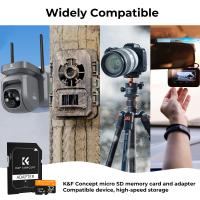
If your cameras depend on local storage, set a reminder for backup. If cloud storage is enabled, verify that recordings are being stored correctly.
4. Assess privacy risks
Change default usernames and passwords to secure your cameras. Use encrypted connections where possible and monitor login attempts to detect unauthorized access.
5. Reevaluate coverage periodically
Changes in your property or lifestyle may require additional cameras or repositioning existing ones. Stay flexible in your setup for evolving needs.
Common Mistakes to Avoid
Installing security cameras may seem simple, but several errors can compromise the effectiveness of your setup. Here are some pitfalls to avoid:
1. Overlooking blind spots
Ensure that all vulnerable points are covered without gaps.
2. Neglecting camera security
Failing to use strong passwords or encrypt connections can leave cameras susceptible to hacking.
3. Improper installation
Secure cameras firmly to prevent movement or falling due to weather conditions or tampering.
4. Ignoring lighting issues
Poor lighting can lead to unusable footage, even for cameras with night vision.
5. Not testing cameras
Without proper testing, you may discover issues only when a problem arises, defeating the purpose of the system.
Conclusion
Installing security cameras around your house is a proactive step toward ensuring the safety of your family, property, and peace of mind. By systematically identifying the best camera types, placement strategies, and installation methods, you can maximize the effectiveness of a security system tailored to your needs. Moreover, regular maintenance and evaluations will help you adapt to future challenges and technological advancements. With careful planning and execution, your security camera setup will be a reliable asset in protecting everything that matters most to you.