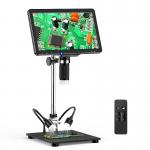
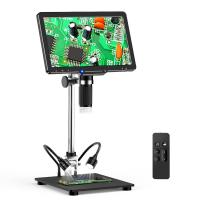
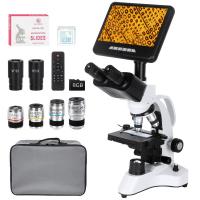
10.1-inch HDMI high-definition IPS screen professional high-definition digital microscope, 50-1600X magnification, touch dimming, capable of taking photos and recording, with wireless infrared remote control, compatible with PC
SKU: GW45.0074
Q
How do I connect the digital microscope to my computer?
Answer Question
A
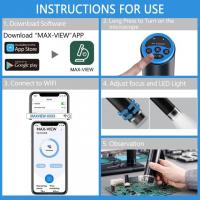
You can connect the digital microscope to a computer using the provided USB cable. Once the connection is successful, you can use the appropriate software to view and process the images or videos captured by the microscope.
Top Bestselling Products
NEW
Arrival

Guess you like products




Related Articles




Guess you like articles