How To Connect Type C Headphones?
In today’s fast-evolving tech landscape, USB Type-C connectors have rapidly become the standard for a wide array of devices, from smartphones and laptops to headphones. Unlike traditional headphone jacks, USB-C headphones offer various advancements in audio quality and overall user experience, making them an appealing choice for tech enthusiasts. However, transitioning to this new technology can raise a few questions about compatibility and functionality. In this article, we’ll break down the key aspects of connecting and using USB-C headphones to help you get the most from your audio experience.
Understanding USB-C Headphones
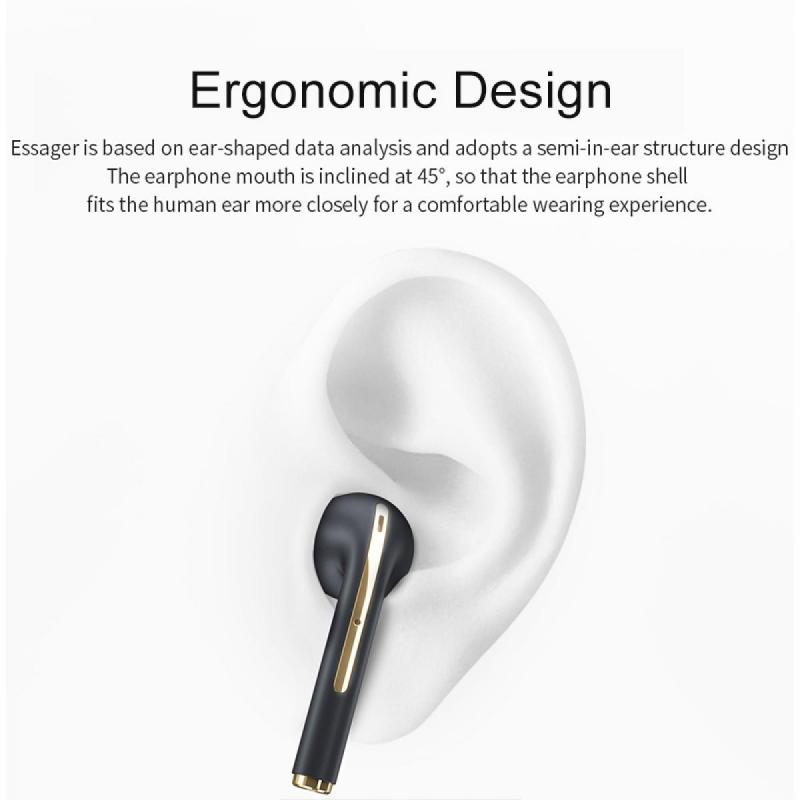
Before diving into the connectivity aspects, it's essential to understand what USB-C headphones bring to the table. USB-C is a versatile connector capable of transmitting data, video, and audio while also delivering power. It enables features such as high-resolution audio, noise-canceling functionalities, and enhanced audio processing directly through the USB port. Moreover, USB-C’s reversible design simplifies the process of plugging in devices, making it both user-friendly and efficient.
Compatibility Considerations
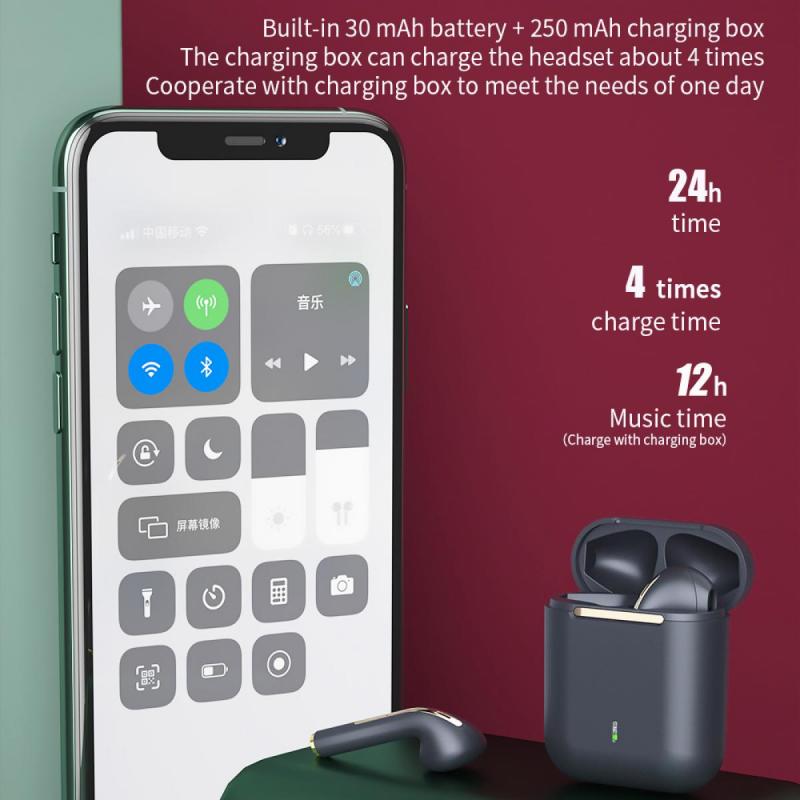
When connecting USB-C headphones, the first step is ensuring compatibility with your device. While USB-C is standardized, not all USB-C ports on devices support audio output. Here's how to determine if your device is compatible:
1. Check Documentation: Review your device's manual or manufacturer's website to verify whether its USB-C port supports audio output.
2. Device Settings: Explore your device settings. For example, many smartphones provide audio routing options in their settings menu, which can indicate the presence of USB-C audio capabilities.
3. Reach Out for Support: If you’re uncertain, contact the customer support service for your device brand. They can provide specific insights into whether your device's USB-C port supports headphones.
Steps to Connect USB-C Headphones

Once compatibility is confirmed, connecting your USB-C headphones typically involves the following steps:
1. Insert the Connector: Simply plug your USB-C headphones into the USB-C port of your device. Remember, there's no need to worry about orientation due to its reversible design.
2. Adjust Settings: Upon connection, your device should recognize the headphones. In some smartphones and laptops, you may need to select the USB audio device in sound settings manually.
3. Troubleshoot if Necessary: If your headphones don't work, ensure that there is no obstruction in the port, check for software updates that might affect USB-C functionality, and ensure your headphones are functioning properly with another device.
Adapters and Dongles
In scenarios where your device lacks a dedicated headphone port, an adapter might be necessary. Often, devices come with a USB-C to 3.5 mm headphone jack adapter, but if not, aftermarket options are readily available. When using an adapter, ensure:
- It supports both audio and microphone functions if necessary.
- It’s compatible with your device's specific USB-C configuration.
Benefits Over Legacy 3.5mm Headphones
There are several reasons to consider USB-C headphones over traditional 3.5mm options:
- Higher Audio Quality: USB-C allows for higher quality audio transmission, including support for Hi-Res audio formats.
- Integrated Features: Many USB-C headphones offer advanced features like digital noise cancellation and DAC (Digital-to-Analog Converter), which can improve sound quality.
- Future-Proofing: As devices continue to phase out the traditional headphone jack, switching to USB-C ensures compatibility with future technology.
Addressing Common Concerns
Despite the advantages, users often have concerns when switching to USB-C headphones. Here are some common issues and how to address them:
- Power and Charging Conflicts: Some users worry about charging their device while listening to audio, especially if there’s only one USB-C port. Solutions include using splitters that allow simultaneous charging and audio streaming or opting for USB-C headphones with pass-through charging capabilities.
- Audio Latency: Although rare, audio latency can be an issue, particularly in wireless or converted setups. Make sure your device and headphones have up-to-date firmware to minimize latency.
- Eco-System Limitations: Some fear being locked into a particular brand’s ecosystem (e.g., with proprietary USB-C headphones). Explore cross-compatible or standard USB-C headphones to maintain flexibility across devices.
Maximizing Your USB-C Headphone Experience
To get the best performance from your USB-C headphones, consider these tips:
1. Update Software Regularly: Keep your device’s operating system up to date to ensure it supports the latest USB-C audio features.
2. Choose High-Quality Accessories: Opt for headphones and adapters from reputable brands known for their audio quality and device compatibility.
3. Customize Audio Settings: Utilize built-in and third-party apps to fine-tune audio settings, optimizing the listening experience based on your preferences and the type of content you consume most often.
The Future of USB-C Headphones
Looking ahead, the adoption of USB-C connectivity is set to expand, incorporating even more innovative features into headphones. Potential future developments include:
- Enhanced Smart Features: Integration with personal assistants and smarter noise-canceling technologies.
- Increased Battery Efficiency: More efficient power usage when headphones have active noise cancellation or other advanced features.
- Broader Compatibility: As USB-C becomes even more prevalent, expect greater compatibility across a wide range of devices beyond current offerings.
Connecting USB-C headphones might initially appear complex, especially to those used to the universal 3.5mm jack, but it's undeniably a move towards enhanced audio quality and user experience. By understanding compatibility, making necessary device settings adjustments, and leveraging adapters when needed, users can seamlessly integrate USB-C headphones into their daily tech routines. As technology progresses, embracing these advancements not only improves audio experience but also aligns with future tech standards, ensuring you stay ahead in the ever-changing digital landscape.
By following the guidance and insights shared in this article, you can confidently transition to USB-C headphones and leverage the myriad benefits they offer for a superior listening experience. Whether you're an audiophile striving for the best audio quality or simply a tech enthusiast eager to adopt the latest innovations, USB-C headphones can undoubtedly meet and exceed your expectations.