Can You Use A Bluetooth Headset For Switch?
Using a Bluetooth Headset with the Nintendo Switch: A Complete Guide
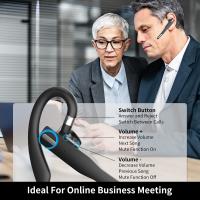
When it comes to gaming, a headset can be an invaluable tool for immersive audio or communicating with friends during multiplayer sessions. For Nintendo Switch players, the question of whether a Bluetooth headset can be used with the console has become increasingly common as wireless audio gains popularity. This article will explore everything you need to know about using Bluetooth headsets with the Nintendo Switch—including compatibility, setup, limitations, and alternative solutions.
Understanding Bluetooth Audio Support on the Nintendo Switch
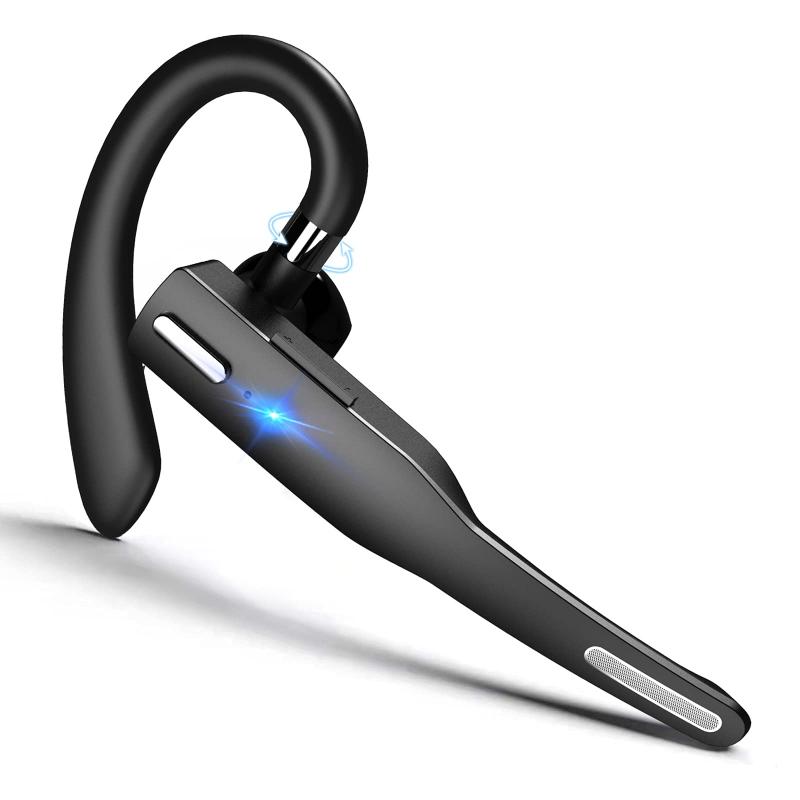
The ability to use Bluetooth headsets with the Nintendo Switch has evolved over the years. Initially, at launch, the Switch did not support Bluetooth audio devices beyond its proprietary controllers. Players were limited to using wired headphones by plugging them into the system’s 3.5mm headphone jack or through third-party adapters. However, in September 2021, Nintendo released a firmware update that added native Bluetooth audio support to the system.
This update marked a significant step forward, allowing users to connect Bluetooth headsets without any additional hardware. Despite this improved functionality, it comes with some caveats and restrictions that players need to consider before diving in.
How to Pair a Bluetooth Headset with Your Nintendo Switch
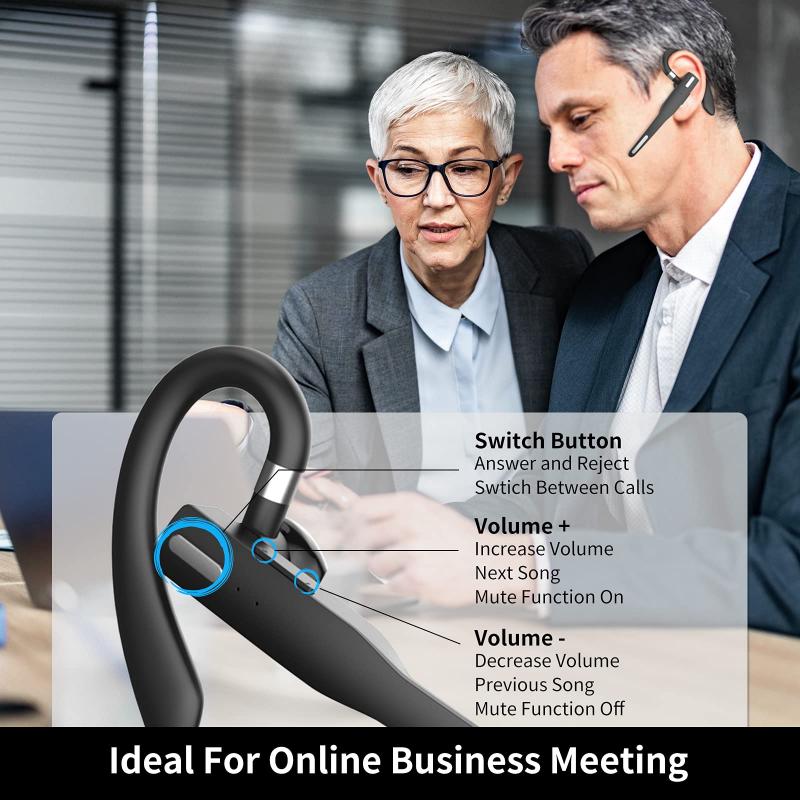
Pairing a Bluetooth headset with your Nintendo Switch is a straightforward process:
1. Ensure Your Switch Is Up-to-Date: Verify that your Nintendo Switch has the latest system update installed. As of September 2021, this feature was introduced, so any un-updated consoles will not support Bluetooth audio.
2. Access Bluetooth Audio Settings:
- From the home screen, navigate to the System Settings menu.
- Scroll down to the "Bluetooth Audio" section.
3. Activate Pairing Mode on Your Headset: Before connecting, ensure your Bluetooth headset is set to pairing mode. This process typically involves pressing and holding a button on the headset until its indicator light begins flashing.
4. Pair Your Device to the Switch:
- Select "Add Device" within the Bluetooth Audio settings.
- Wait for your headset to appear on the list and select it.
- The Switch will pair with the headset, and you should hear game audio through your Bluetooth device.
Once paired, the headset will remain connected until you disconnect it or pair another Bluetooth audio device.
Key Limitations of Nintendo Switch Bluetooth Audio
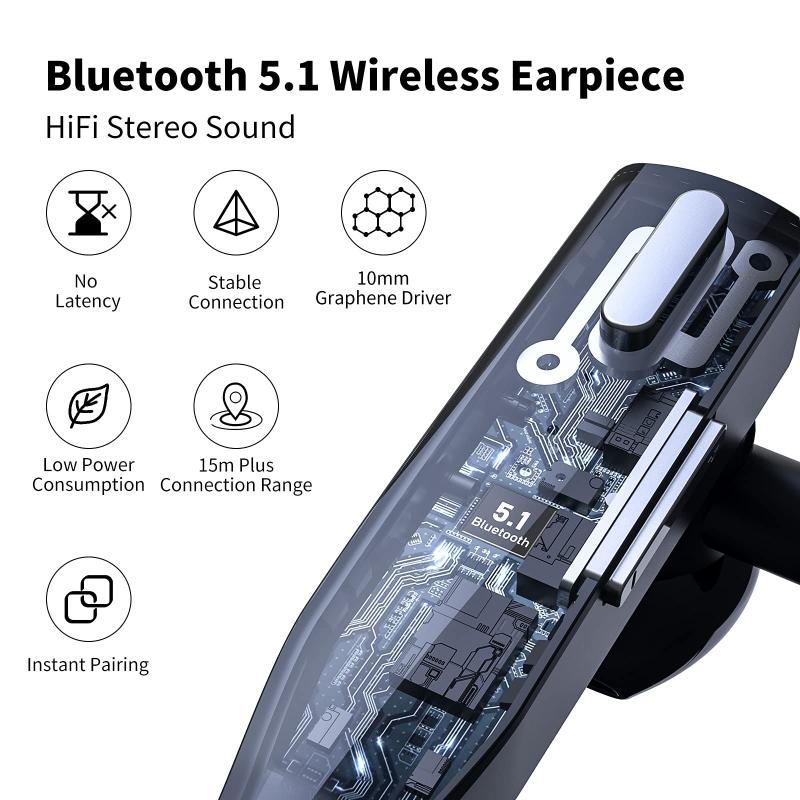
Despite the ease of pairing a Bluetooth headset with a Nintendo Switch, it’s important to understand the limitations of this feature.
1. Audio Latency:
- One of the most significant drawbacks to using Bluetooth audio on the Switch is latency. Wireless transmission inherently introduces some delay between in-game audio and when you hear it. While most players might not notice minor latency during casual gameplay, anyone who requires precise, immediate audio feedback—such as competitive players—may find this problematic.
- Low-latency Bluetooth headsets (or those with aptX codec support) can help mitigate this issue, but even they won’t fully eliminate latency.
2. Limited Simultaneous Connections:
- When using Bluetooth audio, the Nintendo Switch imposes restrictions on other wireless connections. For example, while playing multiplayer games, only two wireless controllers can be connected simultaneously if a Bluetooth headset is active. This is because Bluetooth audio consumes additional bandwidth, leaving less for controllers.
- Gamers with four-player setups may need to turn off Bluetooth audio and revert to a wired headset to avoid connectivity problems.
3. Non-Support for Microphones:
- A significant limitation is that Bluetooth headsets cannot use their built-in microphones with the Nintendo Switch. While you can hear audio, voice chat functionality through apps or games is not supported directly by the console. If you need voice chat, you’ll need alternative setups with apps like Discord or Nintendo’s mobile Voice Chat app.
4. One Device at a Time: The Switch can only connect to one Bluetooth audio device at a time. If you switch between different headsets or speakers, you’ll need to re-pair each device.
Alternative Solutions for Better Wireless Audio
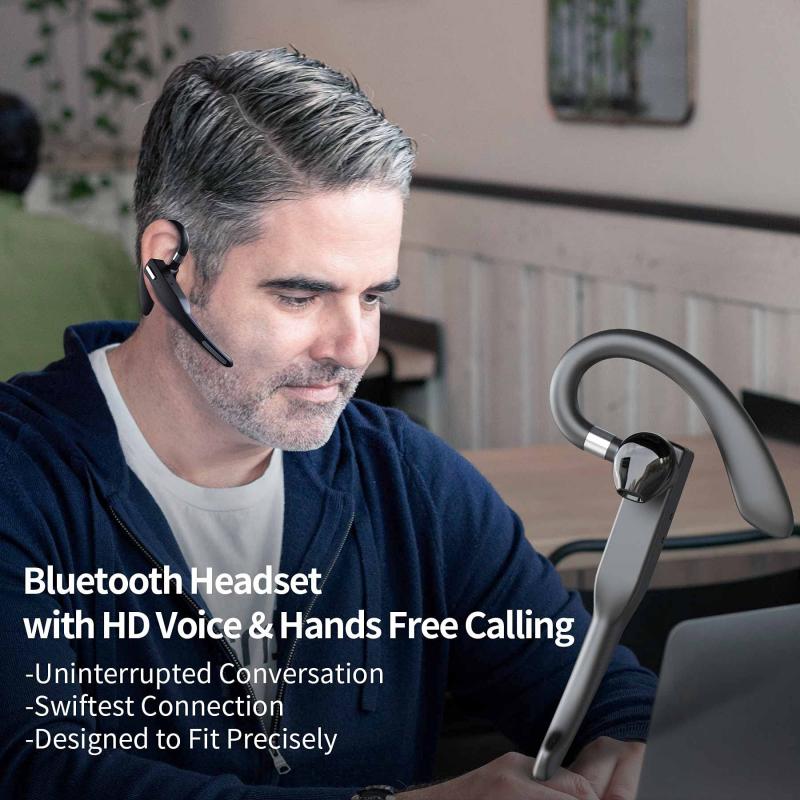
While the native Bluetooth audio support on the Nintendo Switch is useful, some players may find its limitations frustrating. Here are alternative solutions to consider:
1. Use a USB Bluetooth Adapter:
- USB Bluetooth adapters, such as those from brands like Genki or SteelSeries, plug directly into the Switch’s docking station or USB-C port. These adapters often support higher-quality codecs like aptX Low Latency, resulting in better synchronization between audio and gameplay.
- They also bypass some of the connectivity restrictions imposed by native Bluetooth, allowing for better performance and more reliable connections.
2. Gaming-Specific Wireless Headsets:
- Many gaming headsets come equipped with proprietary wireless dongles that plug directly into the Switch’s dock or USB-C port. These headsets often deliver lag-free audio and superior sound quality tailored for gaming experiences.
- Brands like SteelSeries, Razer, and Logitech offer wireless headsets compatible with the Nintendo Switch.
3. Use Wired Headphones for Zero Latency:
- If minimizing latency is key, wired headphones plugged into the 3.5mm headphone jack remain the simplest and most effective solution. This ensures the audio is perfectly synchronized with gameplay.
4. External Audio Mixers for Voice Chat:
- Gamers looking to combine game audio and voice chat can use external audio mixers or game sound controllers. Devices like the Astro MixAmp Pro allow users to simultaneously hear game audio from the Switch and chat audio from apps like Discord.
Commonly Asked Questions About Bluetooth Audio on Switch
Q: Can I use AirPods with the Nintendo Switch?
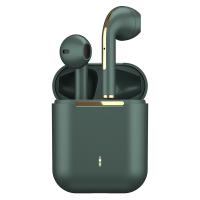
Yes! AirPods and other Bluetooth earphones can be paired with the Nintendo Switch using its Bluetooth audio feature. However, AirPods are prone to latency when used with the Switch, making them less ideal for competitive gameplay.
Q: Does Bluetooth audio work in handheld mode?
Yes, Bluetooth audio is supported in both handheld and docked modes of the Switch. If using third-party USB dongles, compatibility depends on whether the dongle is designed for handheld use.
Q: Do Bluetooth headphones drain the Switch’s battery faster?
The impact on battery consumption when using Bluetooth audio is minimal. However, wired headphones are slightly more energy-efficient as they don’t rely on Bluetooth communication.
Q: Are all Bluetooth devices compatible with the Nintendo Switch?
Most standard Bluetooth headsets will work. However, some older models or devices requiring proprietary software might not pair successfully.
Final Thoughts
The introduction of Bluetooth audio support on the Nintendo Switch is a welcome improvement for gamers who value convenience and wireless setups. While the system accommodates most Bluetooth headsets, limitations like audio latency, microphone incompatibility, and restrictions on simultaneous connections mean it’s not a perfect solution for everyone.
For casual gamers, the native Bluetooth support is more than sufficient for enjoying immersive sound during gameplay. Competitive players or those needing voice chat functionality should consider alternative solutions like USB Bluetooth adapters or dedicated gaming headsets to meet their needs better.
Ultimately, the choice boils down to your gaming style and requirements. Whether embracing Bluetooth audio or opting for alternative solutions, there’s no shortage of options to enhance your Nintendo Switch experience.