How Many Pictures Can 32gb Memory Card Hold?
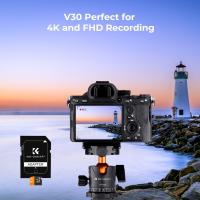
When it comes to understanding how many pictures a 32GB memory card can hold, there are several factors to consider, including the resolution of the images, the format in which they are saved, and the efficiency of the camera's compression algorithms. In this article, we will delve into these factors to provide a comprehensive understanding of how storage capacity translates into the number of pictures you can store. This will help you make informed decisions about your photography needs and storage solutions.
Understanding Image Resolution and File Size

The resolution of an image is typically measured in megapixels (MP), which indicates the number of pixels in millions. Higher resolution images contain more detail but also result in larger file sizes. For example, a 12MP camera will produce images with more detail than an 8MP camera, but the file size will be larger.
Here’s a rough estimate of file sizes based on image resolution:
- 8MP (3264 x 2448 pixels): Approximately 2.4MB per image
- 12MP (4000 x 3000 pixels): Approximately 3.6MB per image
- 16MP (4608 x 3456 pixels): Approximately 4.8MB per image
- 24MP (6000 x 4000 pixels): Approximately 7.2MB per image
Image Format and Compression

The format in which images are saved also affects file size. The most common formats are JPEG and RAW. JPEG files are compressed and therefore smaller, while RAW files are uncompressed and retain all the data captured by the camera sensor, resulting in larger file sizes.
- JPEG: Typically, a JPEG image from a 12MP camera might be around 3.6MB.
- RAW: A RAW image from a 12MP camera can be around 25MB or more.
Calculating Storage Capacity
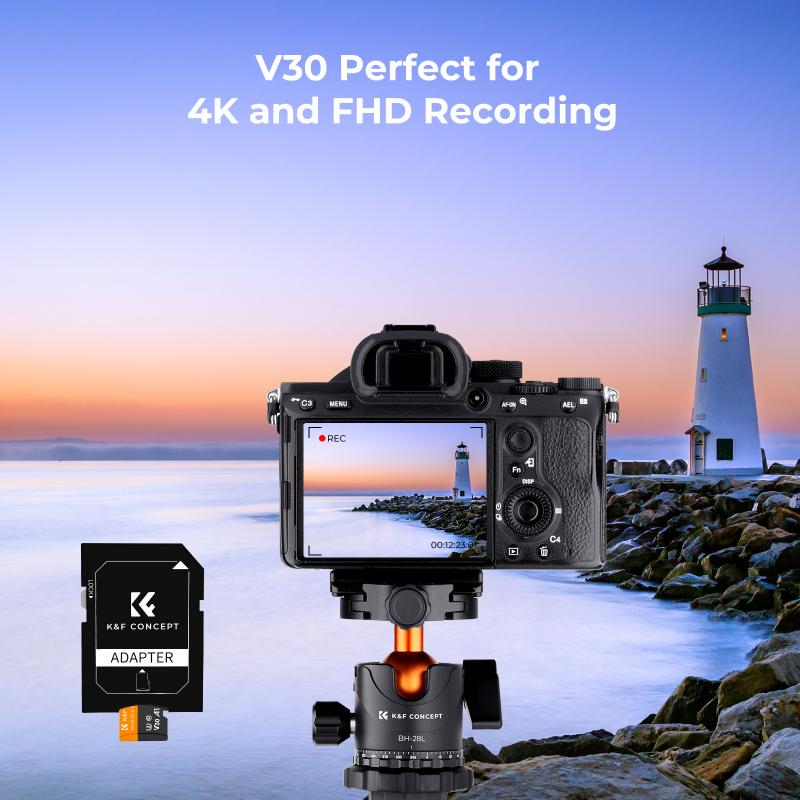
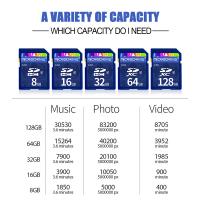
To calculate how many pictures a 32GB memory card can hold, we need to convert gigabytes to megabytes (1GB = 1024MB) and then divide by the average file size of the images.
JPEG Images

For JPEG images, let’s use the average file sizes mentioned earlier:
- 8MP: 32GB = 32,768MB / 2.4MB ≈ 13,653 images
- 12MP: 32GB = 32,768MB / 3.6MB ≈ 9,102 images
- 16MP: 32GB = 32,768MB / 4.8MB ≈ 6,827 images
- 24MP: 32GB = 32,768MB / 7.2MB ≈ 4,551 images
RAW Images
For RAW images, the calculations are as follows:
- 12MP: 32GB = 32,768MB / 25MB ≈ 1,310 images
- 16MP: 32GB = 32,768MB / 30MB ≈ 1,092 images
- 24MP: 32GB = 32,768MB / 50MB ≈ 655 images
Practical Considerations
While these calculations provide a rough estimate, several practical considerations can affect the actual number of images you can store:
1. Camera Settings: Different cameras have different compression algorithms and settings that can affect file size.
2. Additional Files: Memory cards often contain other files such as thumbnails, metadata, and system files that take up space.
3. Usage Patterns: If you frequently switch between shooting JPEG and RAW, or use burst mode, the number of images you can store will vary.
Tips for Maximizing Storage
1. Choose the Right Format: If you don’t need the extensive editing capabilities of RAW files, shooting in JPEG can save a lot of space.
2. Regular Backups: Regularly transfer your images to a computer or external storage to free up space on your memory card.
3. Use Multiple Cards: For extended shoots, consider carrying multiple memory cards to ensure you don’t run out of space.
4. Optimize Settings: Adjust your camera settings to balance between image quality and file size based on your needs.
Understanding how many pictures a 32GB memory card can hold involves considering the resolution of your images, the format in which they are saved, and the efficiency of your camera’s compression algorithms. By taking these factors into account, you can make informed decisions about your storage needs and ensure you’re always prepared to capture those important moments.
Whether you’re a professional photographer or an enthusiastic hobbyist, knowing how to manage your storage effectively can make a significant difference in your photography experience. By optimizing your settings, regularly backing up your images, and carrying multiple memory cards, you can ensure that you never miss a shot due to lack of storage.