How To Use Nd 2 Stops Filter?
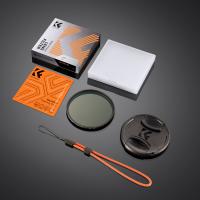
Neutral density (ND) filters are invaluable tools for photographers who want more control over their shots, particularly in situations where managing light is crucial. Among these, the ND 2-stop filter is a common choice for subtly reducing the amount of light entering the lens. This article will explore how you can effectively use an ND 2-stop filter to improve your photography and achieve creative effects.
What is an ND 2-Stop Filter?
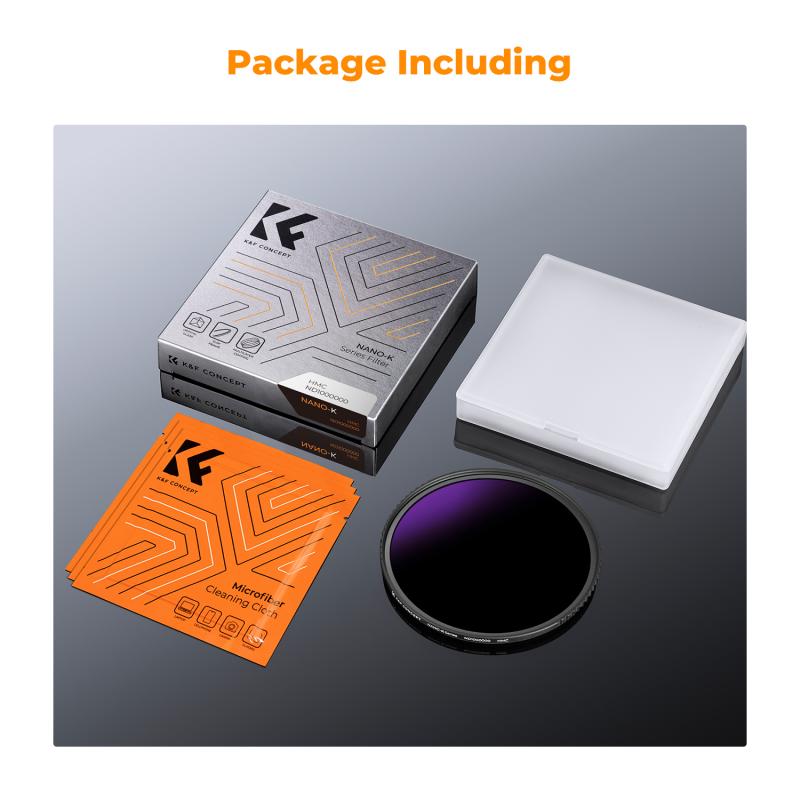
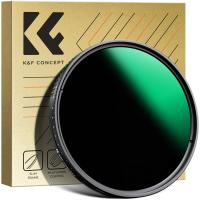
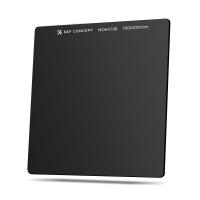
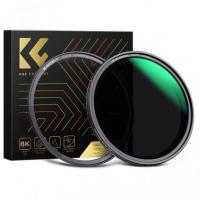
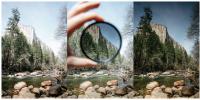
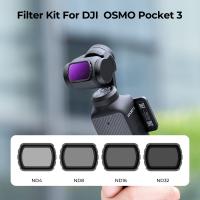
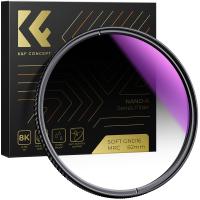
Before diving into the usage, let’s establish what an ND 2-stop filter is. Neutral density filters are designed to reduce light uniformly across the lens without affecting the color or sharpness. The term "2-stop" refers to its ability to reduce light by two stops—essentially cutting the light intensity in half twice (a quarter of the total original light reaches the sensor or film). This reduction allows photographers to achieve effects that would be difficult or impossible under normal lighting conditions with the same camera settings.
When Should You Use an ND 2-Stop Filter?
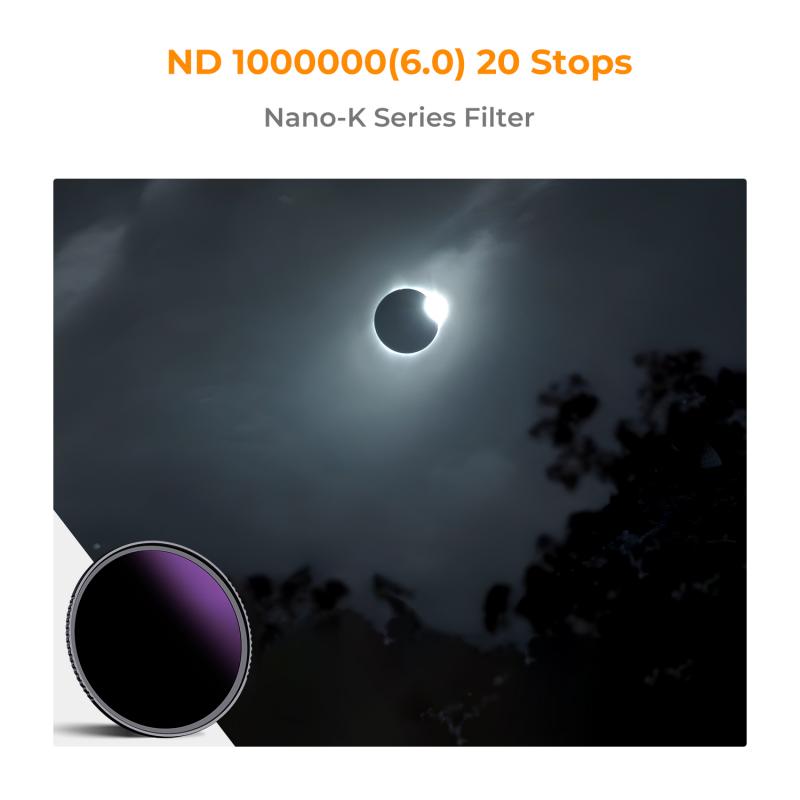
The ND 2-stop filter is particularly useful under scenarios where slight light reduction is needed for precise exposure control. Here are some of its most common applications:
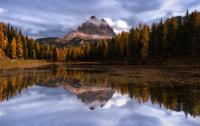
1. Managing Bright Environments: When shooting in daylight, a 2-stop ND filter can help cut excessive brightness and prevent overexposure, particularly in scenes with reflective surfaces like water or snow.
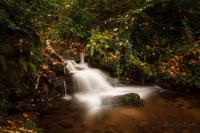
2. Creating Motion Blur: It allows you to lower your shutter speed slightly, creating a mild motion blur for moving water, clouds, or other dynamic subjects without overexposing the image.
3. Wide-Aperture Shots in Bright Light: If you want shallow depth-of-field effects using a wide aperture in bright conditions, the ND 2-stop filter ensures proper exposure by minimizing the incoming light.
4. Videography: In film, ND filters are commonly used to maintain a cinematic shutter angle while avoiding overexposure, especially under harsh lighting conditions.
Now that we understand when to use this filter, let’s delve into the practical methods for maximizing its benefits.
How to Use an ND 2-Stop Filter
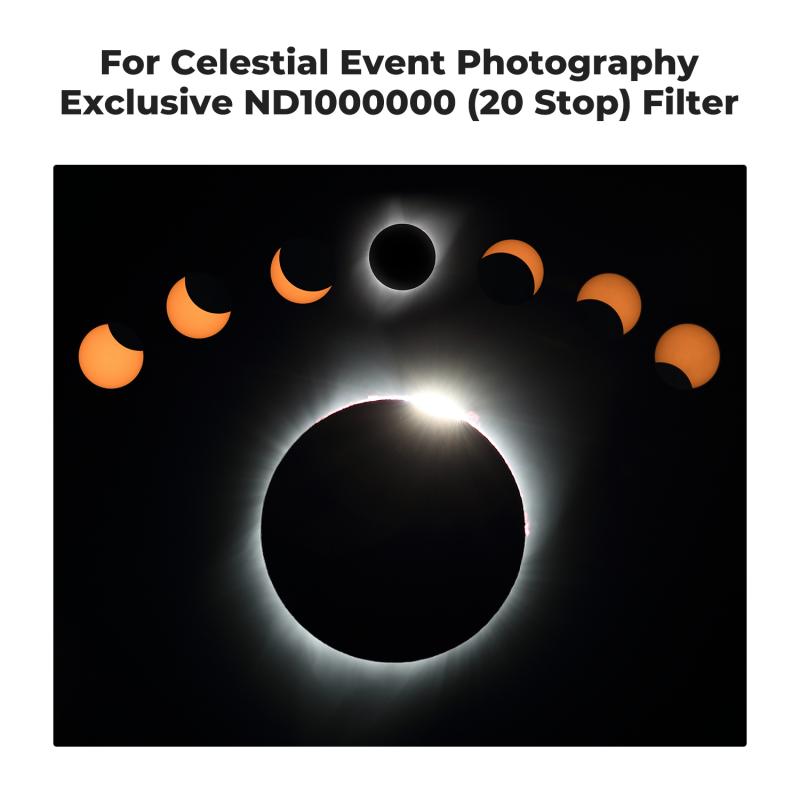
Using an ND 2-stop filter isn’t complicated, but you’ll need to follow these steps carefully to ensure your results match your creative intent:
1. Select the Correct ND Filter for Your Lens
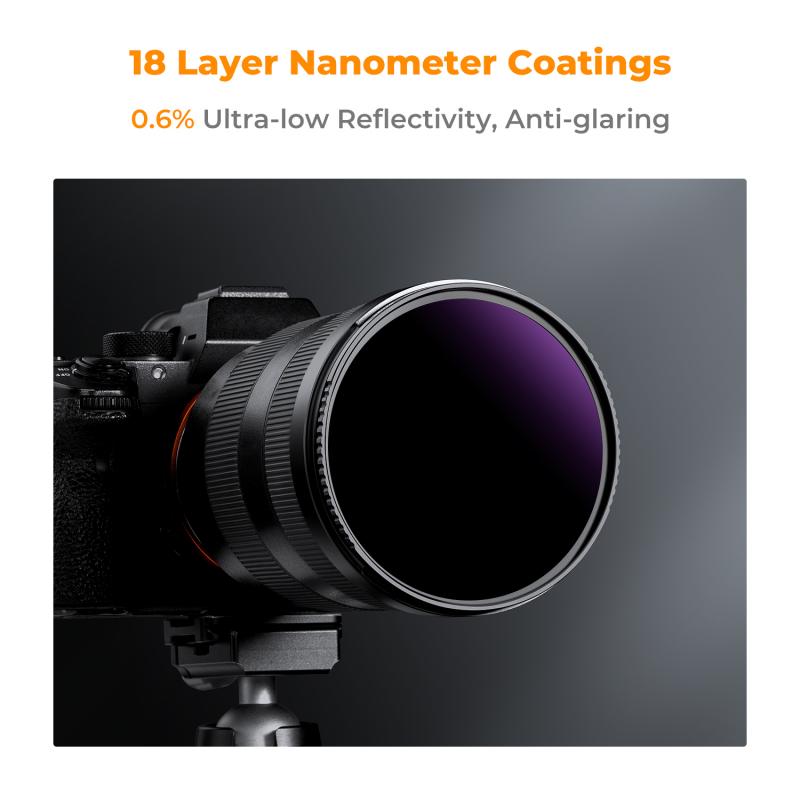
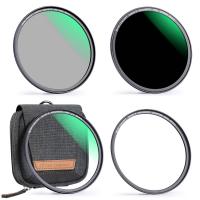
First, ensure you’re using a filter that matches the thread size of your lens. Lens diameters are usually listed on the front or side of the lens and are indicated by a “Ø” symbol followed by a measurement in millimeters (e.g., Ø58mm). An exact fit is crucial for avoiding light leaks or vignetting at the edges of the frame.
2. Plan Your Shot
Before attaching the ND filter, plan the composition and settings for your shot. Decide why you need the filter—is it to reduce brightness, create blur, or balance exposure? This clarity will help in adjusting settings later.
3. Attach the Filter
Screw the ND 2-stop filter onto the front of your lens carefully to avoid cross-threading or damage. Ensure it is snug and secure without overtightening.
4. Adjust Your Camera Settings
Once the filter is in place, you’ll need to adapt your exposure settings:
Shutter Speed: If your primary goal is to introduce motion blur, start by lowering your shutter speed. A drop in light intensity from the filter will allow longer exposures without overexposure.
Aperture: If you want a shallow depth of field, keep your aperture wide open (e.g., f/1.8 or f/2.0). The filter will prevent the image from becoming blown out.
ISO: Maintain a low ISO setting (e.g., ISO 100 or ISO 200) to further manage exposure and keep your image clean and noise-free.
Use your camera’s built-in light meter to confirm proper exposure, or try test shots and tweak the settings as needed.
5. Utilize a Tripod for Stability
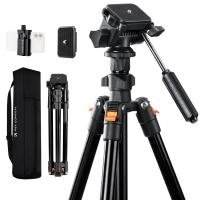
If you’re reducing shutter speed to create motion blur or using a wide aperture in bright light, minor camera shakes may ruin the shot. A stable tripod is essential to maintain image clarity during longer exposures.
6. Evaluate and Adjust
After taking a few test shots, evaluate the image:
- If the shot is overexposed, consider additional adjustments, like narrowing the aperture slightly or reducing shutter speed further.
- If underexposed, check your camera’s histogram and increase exposure while balancing the other elements.
Depending on the conditions, you might find that the 2-stop reduction is insufficient or excessive. In such cases, stack another ND filter like an ND 4 or ND 8 for greater reduction, or remove the filter altogether if lighting decreases during your shoot.
Creative Applications for ND 2-Stop Filters
Beyond technical adjustments, ND 2-stop filters enable photographers and videographers to achieve creative effects that enhance their storytelling. Here are a few popular techniques:
1. Silky Water Effects
By slowing down your shutter speed (e.g., 1/15s to several seconds), flowing water in streams, waterfalls, or ocean waves achieves a soft, silky look. A 2-stop ND filter provides initial light control while preserving enough detail in brighter areas, ensuring the water’s texture isn’t lost.
2. Cloud Movement
On windy days, clouds can create dramatic streaks across the sky with extended exposure time. A subtle reduction in light makes it possible to capture this motion without overexposing parts of the frame.
3. Highlighting Subject Isolation
In scenarios like portraits or macro photography, using a wide aperture (e.g., f/2.8 or f/1.4) in daylight often results in overexposure. By introducing an ND 2-stop filter, a bright scene can be dimmed slightly, allowing photographers to achieve subject isolation while maintaining proper exposure.
4. Combining Filters
For more dynamic effects, photographers often stack ND filters of different strengths. Experimenting with ND 2-stop filters combined with polarizers or other ND filters can enable both light control and advanced visual effects such as reduced water reflections, enhanced colors, or deeper motion blur.
Tips and Tricks for Using ND Filters
Test and Compare: Always take a series of test shots before committing to settings, especially in rapidly changing lighting conditions.
Keep Filters Clean: Dust, smudges, or scratches on your filter can affect image quality. Use a microfiber cloth and lens cleaning solution to maintain your filter.
Choose High-Quality Filters: Poorly manufactured filters can introduce unwanted color casts or distortion. Invest in a good-quality ND filter for consistent results.
Practice in Controlled Environments: Before heading out for an important shoot, practice with your ND filter indoors or in environments where you can predict lighting and settings.
Common Challenges and Solutions
Issue 1: Exposure Problems
Some photographers struggle with underexposure or overexposure, particularly in fluctuating light. The best strategy is to rely on your camera’s exposure compensation or use manual mode for full control.
Issue 2: Focus Errors
With darker scenes created by ND filters, achieving focus can be difficult in some cameras. Always focus first before attaching the filter, or, if necessary, shift to manual focus.
Issue 3: Overstacking Filters
Combining too many filters can cause vignetting or loss of detail. Balance your creative goals with technical considerations, avoiding excessive filters when possible.
Final Thoughts
The ND 2-stop filter is a versatile accessory that can transform your photography and take your skills to the next level. Whether you’re creating silky water effects, isolating your subject in portraiture, or balancing light under difficult conditions, this filter provides subtle light management and creative flexibility. By mastering its application and adapting to your shoot’s specific needs, you’ll unlock new opportunities to capture unique, striking imagery.
Remember, photography is as much an art as it is a science. Experiment, practice, and refine your approach to make the most of your ND filter. Soon, you’ll incorporate it seamlessly into your workflow and realize its full potential.